

Refurbished Laptop Buying Guide 2026
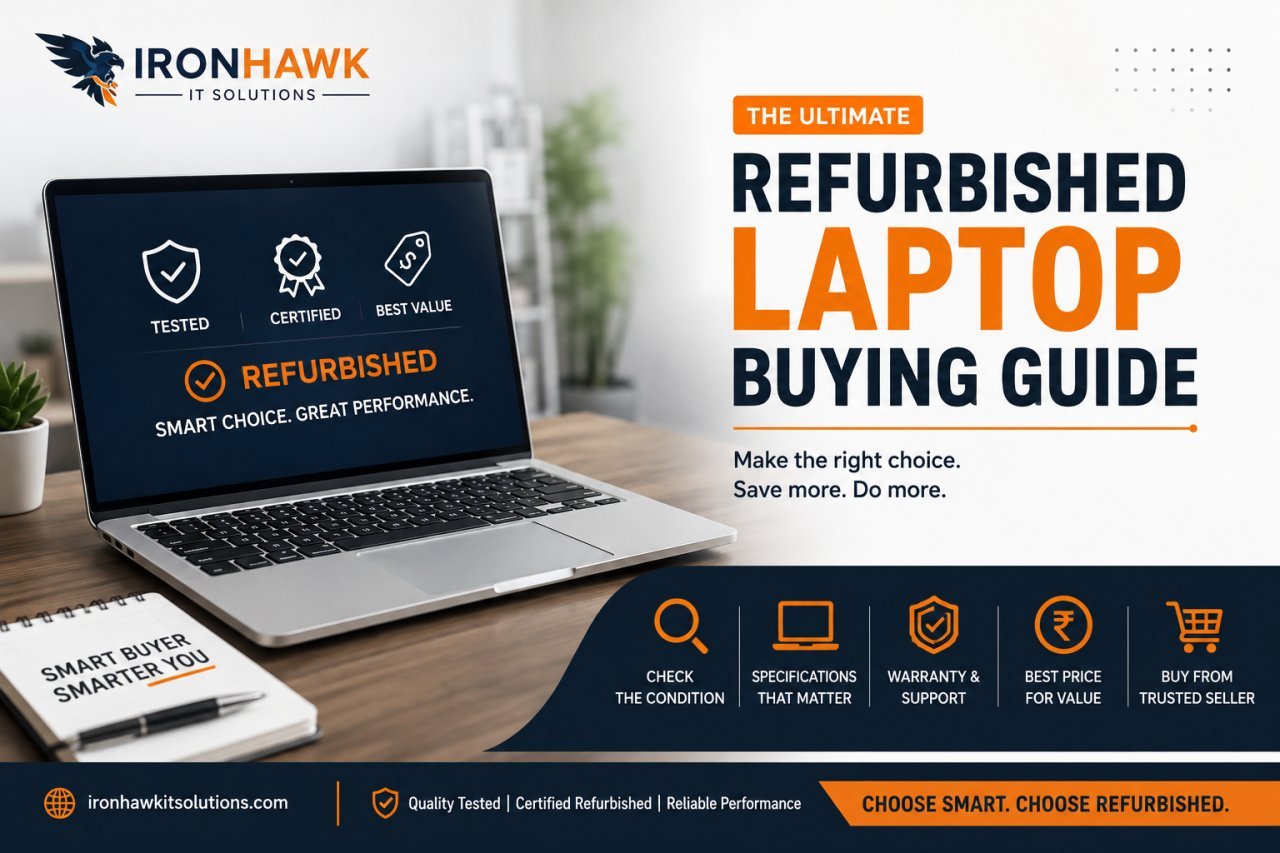
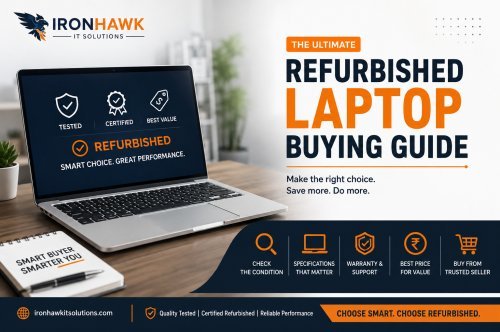
Refurbished Laptop Buying Guide: What to Check Before You Buy?
Buying a refurbished laptop is one of the smartest ways to get premium hardware — think Dell Latitude, HP EliteBook, or Lenovo ThinkPad — at a fraction of the retail price. But "refurbished" can mean very different things depending on where you buy from. A laptop that's been properly tested, cleaned, and certified is a great deal. One that's just been wiped and resold "as-is" can turn into a headache.
Here's exactly what to check before you buy, so you get a laptop that performs like new without the new-laptop price tag.
1. Understand What "Refurbished" Actually Means
Not all refurbished laptops go through the same process. Broadly, you'll come across:
- Certified refurbished – Tested, repaired if needed, cleaned, and often comes with a fresh OS install and warranty. This is the safest option.
- Open-box – Returned unused or barely used, usually in near-new condition, but may have shorter or no warranty.
- Used / as-is – Sold without proper testing or warranty. Highest risk, lowest price.
Always ask (or check the listing) which category the laptop falls under. A certified refurbished laptop from a trusted seller is worth paying slightly more for.
2. Check the Warranty — Don't Skip This
A warranty is the single biggest indicator of a trustworthy refurbished purchase. Look for:
- At least 6–12 months of seller warranty
- Clear terms on what's covered (battery, screen, motherboard, etc.)
- A straightforward replacement or refund policy if the laptop arrives faulty
If a seller offers zero warranty on a refurbished machine, treat that as a red flag — it usually means the hardware hasn't been properly tested.
3. Inspect the Processor Generation and Specs
Refurbished laptops are often previous-generation business machines (think 6th–13th Gen Intel Core or early Ryzen chips), which is exactly why they're affordable. But "older" doesn't mean "outdated" — it depends on what you need it for.
- General use / browsing / office work: Intel Core i3 (8th Gen or newer) or Ryzen 3 with 8GB RAM is plenty.
- Multitasking, spreadsheets, light coding: Core i5 (10th Gen or newer) with 16GB RAM.
- Heavier workloads, video editing, dev work: Core i7 with 16GB RAM and an SSD.
Always check the exact generation and model number rather than just "Core i5" or "Core i7" — a 6th Gen i7 is noticeably slower than a 12th Gen i5.
4. RAM and Storage: Insist on SSD
This is where refurbished laptops can massively outperform their price point — but only if the storage has been upgraded.
- RAM: 8GB is the bare minimum in 2026; 16GB is ideal if you multitask or run heavier software.
- Storage: Avoid old spinning HDDs if you can help it. An SSD (even 256GB) makes a bigger difference to everyday speed than almost any other spec. Many refurbished business laptops (like Dell Latitude and HP EliteBook models) already ship with SSDs — confirm this before buying.
5. Battery Health Matters More Than Battery Brand
Battery degradation is the most common issue with refurbished laptops, since it's a wear part. Before buying:
- Ask for the battery health percentage or cycle count if the listing doesn't mention it
- Check if the battery has been replaced as part of the refurbishment
- Understand that even a "good" refurbished battery may give 60–80% of original backup — which is often still fine for a desk-bound work laptop
If battery life is critical for you (frequent travel, no charger access), ask specifically whether the battery was replaced during refurbishment.
6. Check the Screen and Body Condition
Refurbished doesn't mean flawless — a few light cosmetic marks are normal and part of why the price is lower. But check for:
- Dead pixels or screen discoloration (test under a plain white/black background)
- Hinge tightness — loose hinges are a common wear issue on older laptops
- Keyboard responsiveness and trackpad function
- Port condition (USB, HDMI, charging port) — make sure nothing is loose or broken
Grading terms like "Excellent," "Good," or "Fair" cosmetic condition should be clearly listed — if they're not, ask.
7. Confirm the OS and Software Are Genuine
A refurbished laptop should come with a genuine, activated Windows license — not a pirated or unlicensed copy. Ask whether:
- Windows is pre-installed and activated
- MS Office (if bundled) is a genuine license, not a trial
- The laptop has been factory reset and wiped of the previous owner's data
This protects you from both security risks and update issues down the line.
8. Compare Refurbished vs. New for the Same Budget
Before finalizing, it's worth asking: for this price, could I get a similarly specced new laptop? Sometimes refurbished business laptops (like a Dell Latitude or HP EliteBook with a strong i5/i7) will outperform a brand-new budget laptop at the same price point, because business-grade laptops were originally built to a higher standard than consumer budget models. This is usually where refurbished shines the most — premium hardware, budget price.
9. Buy From a Seller With Return/Replacement Support
Even with all the right checks, things can occasionally go wrong. Buy from a seller that offers:
- A clear return or replacement window (7–15 days is standard)
- Responsive customer support
- Transparent product listings with real specs, not vague descriptions
Quick Pre-Purchase Checklist
- Confirm it's certified refurbished, not just "used"
- Warranty period and coverage confirmed
- Processor generation checked (not just i3/i5/i7 label)
- RAM ≥ 8GB, SSD confirmed
- Battery health/replacement confirmed
- Screen, hinges, keyboard, ports inspected
- Genuine, activated Windows OS
- Return/replacement policy in writing
Final Word
A refurbished laptop can easily give you 80–90% of the performance of a new one for 40–60% of the price — but only if you buy from a seller who actually tests and certifies their stock. Look past the price tag, ask the right questions about warranty, battery, and specs, and you'll end up with a laptop that holds up for years, not months.
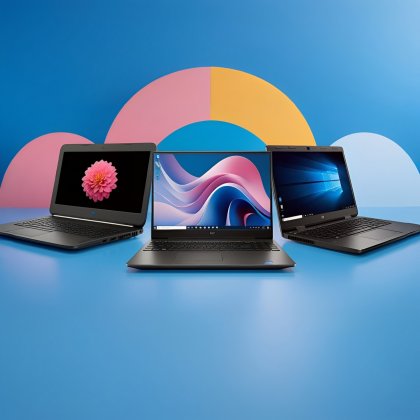
Browse IronHawk's range of certified refurbished Dell, HP, and Lenovo laptops — each backed by warranty and tested before it reaches you.