
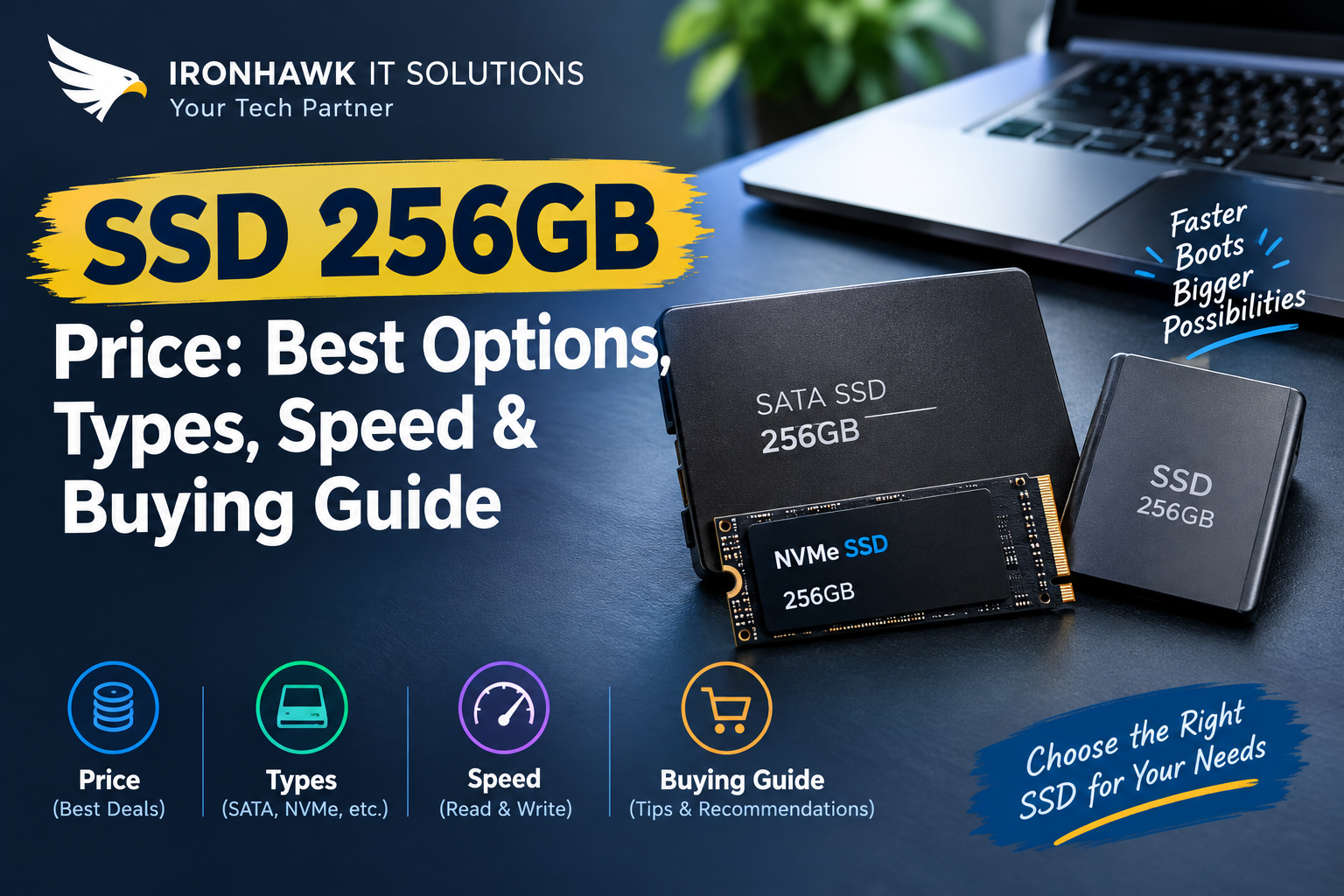
SSD 256GB Price: Best Options, Types, Speed & Buying Guide
Looking for the SSD 256GB price in India? A 256GB-class SSD can be an affordable way to upgrade an older laptop or desktop, improve boot times and make everyday computing more responsive.
However, choosing an SSD should not be based on price alone. A 256GB SATA SSD and a 256GB NVMe SSD can have very different performance levels, interfaces and compatibility requirements.
In this guide, we explain the SSD 256GB price, different SSD types, SATA vs NVMe performance, named 256GB-class SSD examples, laptop compatibility, endurance, warranty and what to check before buying.
SSD 256GB Price: What Should You Expect?
The price of a 256GB-class SSD in India depends on several factors, including:
- SATA or NVMe interface
- 2.5-inch or M.2 form factor
- PCIe generation
- NAND type
- Controller
- Read/write speed
- TBW endurance rating
- Brand
- Warranty
- New or refurbished condition
- Current market availability
A 256GB SATA SSD is generally positioned as an affordable upgrade for older laptops and desktops.
A 256GB NVMe SSD can offer significantly higher interface bandwidth when the computer supports PCIe/NVMe.
Because SSD prices change with promotions, inventory and product availability, buyers should check the current price of the exact model rather than relying on an old price list.
What Is a 256GB SSD?
A 256GB SSD is a solid-state storage drive with a manufacturer-rated capacity in the 256GB class.
SSDs use NAND flash memory instead of the spinning magnetic platters found in traditional hard disk drives.
This allows SSDs to provide:
- Faster system boot times
- Faster application loading
- Faster file access
- Quieter operation
- Lower mechanical complexity
- Better system responsiveness
- Compact storage options
A 256GB SSD can be useful for:
- Windows installation
- Office applications
- Web browsing
- Programming
- Student projects
- Business applications
- Basic photo storage
- Everyday laptop use
Microsoft lists 64GB or greater storage as the minimum storage requirement for Windows 11, although actual storage needs are considerably higher once Windows, applications, updates and personal files are installed.
SATA vs NVMe SSD: Which Is Better?
The most important distinction when buying a 256GB-class SSD is the interface.
256GB SATA SSD
SATA SSDs are commonly available in a 2.5-inch form factor.
They are particularly useful for:
- Older laptops
- Older desktop PCs
- SATA-based systems
- HDD replacements
- Budget upgrades
SATA III has a theoretical interface limit of approximately 600MB/s.
For example, Kingston's KC600 256GB is a SATA SSD rated for sequential read/write speeds of up to 550/500MB/s.
256GB NVMe SSD
NVMe SSDs use the PCIe interface and can provide substantially higher bandwidth than SATA.
They are common in:
- Modern laptops
- Gaming PCs
- Desktop computers
- Workstations
- Performance-oriented systems
However, the computer must support PCIe/NVMe.
SATA vs NVMe Comparison
| Feature | 256GB SATA SSD | 256GB NVMe SSD |
|---|---|---|
| Interface | SATA | PCIe/NVMe |
| Common Form Factor | 2.5-inch | M.2 |
| Performance | Good | Higher, depending on PCIe generation |
| Best For | Older systems | Modern systems |
| HDD Upgrade | Excellent | Depends on compatibility |
| Gaming | Good | Better for supported systems |
| Installation | Simple on SATA systems | Requires compatible M.2 slot |
| Compatibility | Widely available | Must verify PCIe/NVMe support |
Important: An M.2 SSD is not automatically an NVMe SSD. M.2 describes a physical form factor, while SATA and PCIe describe different interface technologies.
Specific Evidence & Original Data: Named 256GB-Class SSD Examples
To make this guide more useful, we compared documented specifications from established SSD manufacturers rather than making recommendations based only on generic storage claims.
Kingston KC600 256GB
The Kingston KC600 provides a useful example of a 256GB SATA SSD.
According to Kingston's published specifications, the 256GB KC600 features:
- 256GB capacity
- 2.5-inch form factor
- SATA Rev. 3.0 interface
- 3D TLC NAND
- DRAM cache
- Up to 550MB/s sequential read
- Up to 500MB/s sequential write
- Up to 90,000/80,000 4K read/write IOPS
- 150TBW endurance rating
- Limited 5-year warranty
This makes the KC600 a useful reference point when comparing 256GB SATA SSD specifications.
Samsung 860 PRO 256GB
Samsung's 860 PRO 256GB is another documented 256GB SATA SSD example.
Samsung lists:
- 256GB capacity
- 2.5-inch form factor
- SATA 6Gb/s interface
- Up to 560MB/s sequential read
- Up to 530MB/s sequential write
- Up to 100,000 random read IOPS
- Up to 90,000 random write IOPS
- 300TBW
- 5-year limited warranty
The 860 PRO demonstrates why buyers should compare more than capacity. Two drives can both be advertised as 256GB while having different NAND technology, endurance and performance specifications.
Samsung PM9C1 256GB
Samsung also lists the PM9C1 family in 256GB-class capacities.
The PM9C1 is a PCIe Gen4 x4 NVMe SSD family using an M.2 2280 form factor.
Samsung lists the family with:
- PCIe 4.0 x4 interface
- M.2 2280 form factor
- Up to 5,000MB/s sequential read
- Up to 4,000MB/s sequential write
- 256GB, 512GB and 1TB capacity options
- Up to 150TBW for the 256GB capacity
This provides a useful example of how an NVMe SSD can have dramatically higher sequential bandwidth than a SATA SSD.
Named SSD Comparison
| SSD Example | Interface | Form Factor | Sequential Read | Sequential Write | Endurance |
|---|---|---|---|---|---|
| Kingston KC600 256GB | SATA 6Gb/s | 2.5-inch | Up to 550MB/s | Up to 500MB/s | 150TBW |
| Samsung 860 PRO 256GB | SATA 6Gb/s | 2.5-inch | Up to 560MB/s | Up to 530MB/s | 300TBW |
| Samsung PM9C1 256GB | PCIe 4.0 x4 NVMe | M.2 2280 | Up to 5,000MB/s | Up to 4,000MB/s | Up to 150TBW |
Important: Manufacturer-rated speeds are maximum or rated values measured under specified test conditions. Real-world performance depends on the host system, firmware, workload, temperature and other hardware.
Why Does SSD 256GB Price Differ Between Models?
Two SSDs with similar storage capacity can have noticeably different prices.
1. Interface
NVMe SSDs generally offer higher performance than SATA SSDs and may cost more depending on the model.
2. NAND Type
TLC and QLC NAND have different characteristics relating to performance, endurance and cost.
3. Controller
The SSD controller influences performance, efficiency and other drive characteristics.
4. DRAM
Some SSDs use dedicated DRAM, while others use different memory-management approaches such as Host Memory Buffer.
5. Endurance
A higher TBW rating can be important for users with heavy write workloads.
6. Warranty
A longer manufacturer warranty can affect the overall value of an SSD.
7. Brand and Model
Pricing varies between manufacturers and even between different SSD families from the same manufacturer.
8. Market Availability
Indian retail prices can change because of stock, promotions, import costs and retailer pricing.
256GB SSD for Laptop
A 256GB SSD can be a practical upgrade for an older laptop, especially if the existing system uses a hard disk drive.
Before buying, check the laptop's:
- Model number
- Supported storage interface
- SSD form factor
- M.2 slot type
- M.2 length
- SATA/NVMe compatibility
- Maximum supported storage
- Existing drive configuration
Important Compatibility Example
If a laptop has a 2.5-inch SATA drive bay, a 2.5-inch SATA SSD may be the correct replacement.
If a laptop has an M.2 slot, you still need to determine whether the slot supports:
- M.2 SATA
- M.2 PCIe/NVMe
- Both
Kingston specifically notes that an M.2 SSD can use either SATA or PCIe, and a PCIe M.2 SSD will not work in a SATA-only M.2 slot.
Always check the laptop manufacturer's documentation before purchasing.
256GB SSD for Desktop PC
A 256GB SSD can be used as:
- Windows boot drive
- Application drive
- Office PC storage
- Secondary storage
- Upgrade from an HDD
- Basic workstation storage
For a desktop PC, check whether the motherboard supports:
- 2.5-inch SATA drives
- M.2 SATA
- M.2 NVMe
- PCIe Gen3
- PCIe Gen4
- PCIe Gen5
For a new PC build, an NVMe SSD may be preferable if the motherboard supports it.
For an older PC upgrade, a SATA SSD may offer better compatibility.
256GB SSD for Students and Office Users
A 256GB SSD can be sufficient for users who primarily need:
- Microsoft Office
- Web browsing
- Online classes
- Programming
- Documents
- PDFs
- Business applications
- Light photo editing
For these workloads, spending extra money on an extremely high-end SSD may not provide a meaningful benefit if the computer itself has limited performance.
A balanced upgrade may be better:
SSD + sufficient RAM + compatible processor = better overall system responsiveness.
256GB SSD for Gaming
A 256GB SSD can work for gaming, but storage capacity can become a limitation quickly.
Modern games can occupy a large amount of storage space.
A 256GB drive may be suitable for:
- Windows
- A few games
- Gaming launchers
- Basic applications
If you maintain a large game library, a 512GB, 1TB or 2TB SSD may be a more practical choice.
For a gaming PC, also consider:
- NVMe interface
- Read/write performance
- Random performance
- SSD cooling
- GPU
- CPU
- RAM
- Motherboard compatibility
Our First-Hand Experience: How We Evaluate a 256GB SSD
At Iron Hawk IT Solutions, our SSD evaluation approach starts with compatibility rather than simply choosing the cheapest available drive.
In our research, we found that the phrase "256GB SSD" does not tell a buyer enough information to make a purchase decision.
Two 256GB-class SSDs can have different interfaces, form factors, endurance ratings and performance characteristics.
What We Check
When evaluating a 256GB SSD for a laptop or desktop, we check:
- 1Exact device model – We identify the laptop or desktop model before recommending an SSD.
- 2Interface – We determine whether the system requires SATA or PCIe/NVMe.
- 3Form factor – We verify whether it needs a 2.5-inch drive or M.2 SSD.
- 4PCIe generation – For NVMe drives, we check the supported PCIe generation.
- 5Performance – We compare published sequential and random performance.
- 6Endurance – We check the manufacturer's TBW rating where available.
- 7Warranty – We review the manufacturer's warranty information.
- 8Capacity requirements – We consider whether 256GB is actually sufficient for the customer's workload.
- 9Upgrade path – We consider whether a larger SSD would provide better long-term value.
- 10Budget – We compare the required performance with the available budget.
What We Found
From our evaluation method, one of the most common mistakes is choosing an SSD only because the price looks attractive.
For example, a customer upgrading an older laptop may need a 2.5-inch SATA SSD. Buying an M.2 NVMe SSD because it has a higher advertised speed would not solve the compatibility problem.
We therefore recommend identifying the exact laptop or desktop model first, followed by the interface and form factor.
256GB SSD Speed: Does It Matter?
Yes, but the importance depends on your workload.
For Office Work
A reliable SATA SSD can already provide a major improvement over a traditional HDD.
For Gaming
NVMe can provide faster storage performance on compatible systems, although game performance also depends heavily on CPU, GPU and game optimization.
For Video Editing
High sequential read/write performance can be useful when working with large media files.
For Everyday Laptop Use
Compatibility, reliability and price may matter more than achieving the highest possible benchmark number.
What Is TBW?
TBW stands for Terabytes Written.
It is a manufacturer-defined endurance measurement indicating how much data can be written to an SSD under the manufacturer's specified conditions.
For example:
- Kingston KC600 256GB: 150TBW
- Samsung 860 PRO 256GB: 300TBW
- Samsung PM9C1 256GB: up to 150TBW
A higher TBW rating can be useful for users who regularly write large amounts of data.
However, TBW should not be interpreted as an exact prediction of when an SSD will fail.
256GB SSD vs 512GB SSD
| Feature | 256GB SSD | 512GB SSD |
|---|---|---|
| Price | Lower | Higher |
| Windows | Suitable | Suitable |
| Office Work | Good | Excellent |
| Programming | Good | Better for larger projects |
| Gaming | Limited | Better |
| Photos/Videos | Moderate | Better |
| Long-Term Flexibility | Moderate | High |
| Best For | Budget upgrades | General-purpose systems |
If the price difference between a 256GB and 512GB SSD is reasonable, the 512GB option can provide better long-term flexibility.
SSD 256GB Price: How to Get Better Value
Instead of choosing the cheapest SSD, compare:
- Price per GB
- Interface
- Read speed
- Write speed
- TBW
- Warranty
- Brand
- Compatibility
- Expected workload
A cheaper SSD that does not fit your laptop is not a good purchase.
Similarly, buying a high-end NVMe SSD for a system that only supports SATA can result in paying for performance your computer cannot use.
Common Mistakes When Buying a 256GB SSD
Mistake 1: Looking Only at Price
The cheapest SSD is not necessarily the best value.
Mistake 2: Confusing M.2 With NVMe
M.2 describes a physical form factor. It does not automatically mean NVMe.
Mistake 3: Ignoring the Laptop Model
Always check compatibility before purchasing.
Mistake 4: Comparing Only Read Speed
Write speed, random performance, endurance and thermals can also matter.
Mistake 5: Forgetting Warranty
Check the manufacturer's warranty and TBW conditions.
Mistake 6: Choosing Too Little Storage
If you store games, videos or large files, 256GB may become restrictive.
Mistake 7: Not Backing Up Data
Before replacing a laptop's existing drive, create a backup of important files.
256GB SSD Buying Checklist
Before buying, verify:
- [ ] Exact SSD model
- [ ] 256GB-class capacity
- [ ] SATA or NVMe interface
- [ ] Correct form factor
- [ ] M.2 compatibility if applicable
- [ ] PCIe generation
- [ ] Sequential read speed
- [ ] Sequential write speed
- [ ] Random performance
- [ ] NAND type
- [ ] TBW rating
- [ ] Warranty
- [ ] Current market price
- [ ] Laptop/desktop compatibility
- [ ] Installation requirements
Windows 11 and 256GB SSD
Microsoft lists a minimum storage requirement of 64GB or greater for Windows 11.
A 256GB SSD therefore provides considerably more capacity than the minimum requirement.
However, the available space will be reduced by Windows, applications, updates, recovery files and personal data.
For a basic office or student computer, 256GB can be workable. Users who store large games, videos or professional project files may benefit from 512GB or 1TB storage.
Why Buy an SSD from Iron Hawk IT Solutions?
Choosing the right SSD is about more than finding the lowest price.
Iron Hawk IT Solutions can help you identify a suitable storage option based on:
- Laptop model
- Desktop model
- SATA/NVMe compatibility
- Storage requirements
- Performance needs
- Budget
- Upgrade requirements
If you are unsure which SSD your laptop or desktop supports, provide the exact system model before purchasing.
Looking for a 256GB SSD? Check the available SSD options from Iron Hawk IT Solutions and choose a storage solution that matches your system.
Transparency & Editorial Disclosure
This guide to SSD 256GB price was created using product specifications, manufacturer documentation, compatibility information, and general market research. We compare SSD types, specifications, performance ratings, endurance, warranty information, and typical pricing factors to help readers make an informed purchasing decision.
How We Research This Guide
Our research process includes:
- Reviewing specifications published by SSD manufacturers such as Samsung and Kingston.
- Comparing SATA and NVMe SSD interfaces, form factors, speeds, and endurance ratings.
- Checking compatibility requirements for laptops and desktop PCs.
- Considering factors that can affect SSD 256GB price in India, including brand, interface, warranty, NAND type, and availability.
- Using named SSD models and documented specifications rather than relying only on general assumptions.
Pricing & Availability Disclaimer
SSD prices can change frequently because of promotions, inventory, seller, warranty, and market conditions. Any price range or pricing guidance mentioned in this article should therefore be treated as an approximate reference rather than a guaranteed selling price.
Product specifications and availability may also change over time. Buyers should verify the latest specifications, warranty, compatibility, and final price before purchasing.
Our Editorial Approach
Our goal is to provide practical, easy-to-understand information rather than promote a particular SSD solely because of its brand. We focus on compatibility, performance, storage requirements, durability, value for money, and the buyer's intended use.
Where possible, we use manufacturer specifications and clearly identified product examples. We do not claim that every SSD discussed has been personally tested by our team unless explicitly stated.
Last reviewed: October 2026 Content by: IronHawk Team ---
FAQ
What is the SSD 256GB price in India?
The price varies according to the brand, model, interface, NAND type, performance, warranty and current market availability. SATA and NVMe 256GB-class SSDs can have different prices.
Is a 256GB SSD enough for a laptop?
Yes, 256GB can be sufficient for Windows, Office applications, web browsing, programming and general use. Users with large game or media libraries may prefer 512GB or 1TB.
Is a 256GB SSD better than a 1TB HDD?
For system responsiveness, an SSD generally provides much faster access than an HDD. However, a 1TB HDD provides substantially more storage capacity.
Is a 256GB NVMe SSD better than a SATA SSD?
On a compatible computer, NVMe can provide much higher storage bandwidth than SATA. However, the computer must support PCIe/NVMe.
Can I install an NVMe SSD in any M.2 slot?
No. M.2 is a form factor, not a guarantee of NVMe compatibility. The M.2 slot must support PCIe/NVMe.
Is 256GB enough for Windows 11?
Yes. Microsoft lists 64GB or greater as the minimum storage requirement for Windows 11. Actual usable storage will be lower after installing Windows, applications and files.
Is a 256GB SSD good for gaming?
It can be used for gaming, but storage capacity can become limiting because modern games can require substantial space. A 512GB or 1TB SSD is often more practical for larger game libraries.
How long does a 256GB SSD last?
SSD lifespan depends on NAND type, controller, workload, temperature and endurance rating. TBW is one of the manufacturer's key endurance specifications.
What does 150TBW mean?
A 150TBW rating means the manufacturer has specified an endurance rating of 150 terabytes written under its stated conditions. It is not an exact prediction of the drive's failure date.
Should I buy a SATA or NVMe SSD?
Choose based on your computer's compatibility. Older systems may require SATA, while newer systems often support NVMe.
Can I upgrade my old laptop with a 256GB SSD?
Many older laptops can be upgraded with a SATA SSD, but compatibility should be checked first. Some systems may use M.2 SATA, M.2 NVMe or proprietary storage.
Which 256GB SSD is best?
There is no single best SSD for every user. Compare the exact model's interface, speed, NAND, endurance, warranty and compatibility with your laptop or desktop.
Conclusion
The SSD 256GB price depends on the exact model, interface, performance, NAND technology, endurance, warranty and current market conditions.
A 256GB SATA SSD can be an excellent affordable upgrade for older laptops and desktops, while a 256GB NVMe SSD can offer much higher performance on compatible modern systems.
Before purchasing, check the exact device model, SSD interface, form factor, PCIe compatibility, read/write performance, TBW and warranty.
If 256GB is enough for your workload, it can be a cost-effective upgrade. If you store many games, videos or large files, consider a 512GB or 1TB SSD for better long-term flexibility.
For compatible SSD options and upgrade guidance, consider Iron Hawk IT Solutions.