
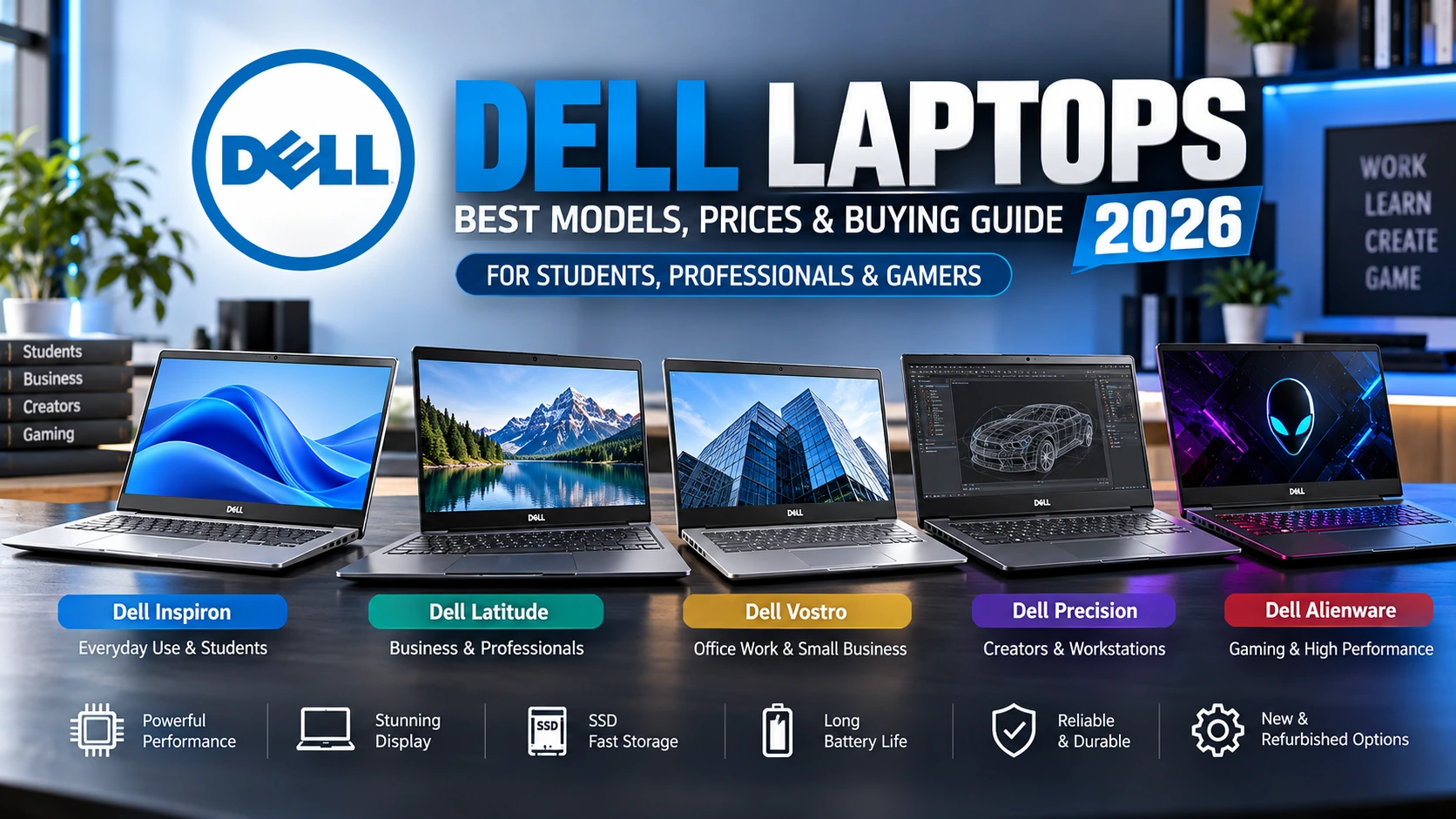
Dell Laptops: Best Models, Prices & Buying Guide 2026
Introduction
Looking for the best Dell laptops in India? Dell offers laptops for students, office professionals, programmers, business owners and gamers. Popular models include Dell Inspiron, Latitude, Vostro, Precision and Alienware.
Choosing the right Dell laptop depends on processor performance, RAM, SSD storage, display quality, battery life and budget.
At Ironhawk IT Solutions, buyers can compare new and refurbished laptops to find suitable configurations for their needs.
Dell Laptops: Best Models to Consider in 2026
Different Dell laptop series serve different requirements.
1. Dell Inspiron – Best for Students
Dell Inspiron laptops are designed for everyday computing, including online classes, assignments, browsing and office applications.
Recommended specifications:
- Processor: Intel Core i3/i5 or equivalent
- RAM: 8GB–16GB
- Storage: 512GB SSD
- Display: Full HD
Students can also explore our Best Laptop for Students guide.
2. Dell Latitude – Best for Business
Dell Latitude laptops are business-oriented devices designed for productivity, portability and professional workloads.
Popular models include:
- Dell Latitude 5300
- Dell Latitude 5400
- Dell Latitude 5420
Refurbished Latitude laptops can offer affordable business-class configurations.
3. Dell Vostro – Best for Office Work
Dell Vostro laptops are suitable for small businesses, accounting, spreadsheets and daily professional tasks.
Models such as the Dell Vostro 3530 offer configurations with Intel processors, SSD storage and Full HD displays.
4. Dell Precision – Best for Professionals
Dell Precision mobile workstations target demanding applications such as CAD, engineering and 3D design.
Selected configurations include professional graphics and higher-performance processors.
5. Dell Alienware – Best for Gaming
Alienware laptops are designed for gaming enthusiasts seeking dedicated graphics, high-refresh-rate displays and powerful hardware.
Dell Laptop Price in India
Dell laptop prices depend on specifications, generation, condition and warranty.
| Budget | Laptop Category | Suitable For |
|---|---|---|
| Under ₹20,000 | Refurbished Latitude | Basic office work |
| ₹20,000–₹30,000 | Refurbished business models | Students |
| ₹30,000–₹50,000 | Selected Inspiron models | Everyday productivity |
| ₹50,000–₹75,000 | Inspiron/Vostro configurations | Professionals |
| Above ₹75,000 | Selected premium/gaming models | Demanding workloads |
These are illustrative shopping budgets, not guaranteed current prices.
Explore our Best Laptop Under 50000 guide for more options.
Specific Evidence & Original Data: Dell Laptop Comparison
During our research, we reviewed named Dell laptop configurations from published Ironhawk IT Solutions product information.
| Dell Model | Processor | RAM | SSD |
|---|---|---|---|
| Latitude 5300 | Core i5 8th Gen | 8GB | 256GB |
| Latitude 5400 | Core i5 8th Gen | 8GB | 256GB |
| Latitude 5420 | Core i5 11th Gen | 8GB | 256GB |
| Latitude 5420 | Core i7 11th Gen | 16GB | 512GB |
| Vostro 3530 | Core i5-1334U | 16GB | 512GB |
Research findings:
- 1Processor generation influences performance and compatibility.
- 216GB RAM is preferable for heavier multitasking.
- 3A 512GB SSD provides more storage flexibility than 256GB.
- 4Refurbished Latitude models can offer practical business configurations at lower prices.
These are documented example configurations, not independent benchmark results. Actual specifications vary.
First-Hand Experience: Our Dell Laptop Research
At Ironhawk IT Solutions, our laptop evaluation approach focuses on complete specifications rather than processor branding alone.
During our catalogue research, we observed that Dell Latitude 5420 configurations can differ in RAM, storage and processor.
For example, an 8GB/256GB configuration is suited to lighter workloads, while a 16GB/512GB configuration provides more memory and storage for multitasking.
Our recommended evaluation checklist:
- Processor: Verify the exact model and generation.
- RAM: Check capacity and upgrade compatibility.
- SSD: Confirm storage capacity and health.
- Battery: Review battery condition, especially on refurbished laptops.
- Display: Check resolution and physical condition.
- Warranty: Verify coverage and return terms.
These observations come from product research and inspection criteria, not claimed physical testing of every model.
New vs Refurbished Dell Laptops
| Feature | New Laptop | Refurbished Laptop |
|---|---|---|
| Condition | New | Previously owned |
| Price | Usually higher | Often lower |
| Battery | New | Condition varies |
| Warranty | Manufacturer-dependent | Seller-dependent |
| Hardware | Often newer | Varies |
A refurbished laptop can be a cost-effective option for students and professionals.
How to Choose the Best Dell Laptop
Before purchasing, consider these factors:
- 1Processor: Match performance to your workload.
- 2RAM: Choose 8GB for basic tasks or 16GB for multitasking.
- 3Storage: Prefer SSD storage for responsiveness.
- 4Display: Choose Full HD or better where practical.
- 5Battery: Verify condition and expected runtime.
- 6Operating system: Confirm Windows compatibility.
- 7Warranty: Understand repair and replacement policies.
For model-specific documentation, visit Dell Support.
Transparency & Editorial Disclosure
About This Guide
This article was prepared by the IronHawk Team using Dell model specifications, published Ironhawk IT Solutions product information and official technical documentation.
Research methodology: We compared processor generations, RAM, SSD capacity, intended workloads and buying considerations.
Editorial disclosure: Ironhawk IT Solutions is the retailer featured in this article. Product prices, stock and warranty terms can change.
Testing disclosure: The comparisons are research-based. No independent physical benchmark testing is claimed.
External Reference
Microsoft Windows 11 Requirements provides official operating-system compatibility guidance.
Frequently Asked Questions
1. Which Dell laptop is best for students?
Dell Inspiron and selected Latitude models are suitable for students. Consider 8GB–16GB RAM and SSD storage.
2. Are Dell laptops good for programming?
Yes. A capable processor, 16GB RAM and 512GB SSD are useful for many programming workloads.
3. Is a refurbished Dell laptop worth buying?
Yes, when its battery, hardware condition, specifications and warranty meet your requirements.
4. Which Dell laptop is best for gaming?
Dell Alienware offers gaming-focused laptops with dedicated graphics and high-performance configurations.
5. How much RAM is enough for Dell laptops?
8GB is suitable for basic tasks, while 16GB is preferable for frequent multitasking.
Conclusion: Buy Dell Laptops at Ironhawk IT Solutions
Dell laptops offer options for students, professionals, businesses and gamers. Inspiron suits everyday computing, Latitude supports business productivity, and Precision targets demanding professional workloads.
For budget-conscious buyers, refurbished Dell laptops can provide useful configurations at affordable prices.
Explore Dell laptops at [Ironhawk IT Solutions](ironhawkitsolutions.com/) and choose the right model for your budget and requirements.