


128GB NVMe SSD
128GB NVMe SSD: Is It a Good Storage Upgrade for Your PC or Laptop?
If your laptop or desktop feels slow when starting Windows, opening applications, or accessing files, upgrading the storage can make a noticeable difference. One of the popular options for improving storage performance is a 128GB NVMe SSD.
Unlike traditional hard drives, NVMe SSDs use flash memory and communicate through the PCIe interface. This allows compatible systems to take advantage of higher bandwidth and lower latency.
For users who need a compact and affordable storage upgrade, a 128GB NVMe SSD can be a practical choice for everyday computing, operating-system installation, office applications, and basic workloads.
At Iron Hawk IT Solutions, you can find different storage solutions for laptops and desktop computers, including NVMe and SATA SSDs.
What Is a 128GB NVMe SSD?
A 128GB NVMe SSD is a solid-state drive with approximately 128GB of advertised storage capacity that uses the NVMe protocol over a PCIe interface.
NVMe stands for Non-Volatile Memory Express. It was specifically designed to take advantage of the capabilities of modern flash storage and PCIe connectivity. Compared with older SATA-based storage interfaces, NVMe can provide significantly higher data-transfer performance and lower latency.
Many NVMe SSDs use the compact M.2 form factor, making them particularly useful for modern laptops and desktop motherboards that include compatible M.2 slots.
However, it is important to remember that M.2 and NVMe are not the same thing. M.2 describes the physical form factor, while NVMe describes the storage communication protocol.
Why Choose a 128GB NVMe SSD?
A 128GB NVMe SSD can be useful when you want faster storage without spending too much on a larger-capacity drive.
1. Faster System Performance
One of the biggest reasons people upgrade from an HDD to an SSD is improved responsiveness.
An NVMe drive communicates through PCIe, providing a faster storage pathway than traditional SATA interfaces. This can help with tasks such as:
- Booting the operating system
- Opening applications
- Loading files
- Installing software
- General system responsiveness
NVMe technology was designed to reduce input/output overhead and take advantage of PCIe bandwidth.
2. Compact M.2 Design
Many 128GB NVMe SSDs are available in the M.2 2280 form factor.
This compact design is particularly useful for laptops and modern desktop PCs because it does not require the same type of drive bay and cabling used by traditional 2.5-inch SATA drives.
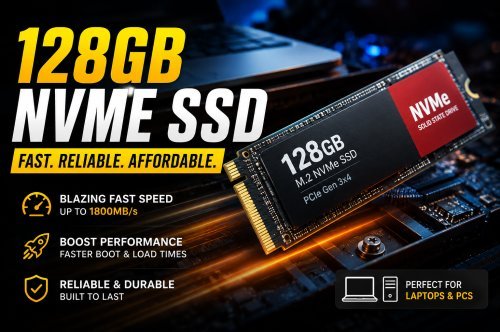
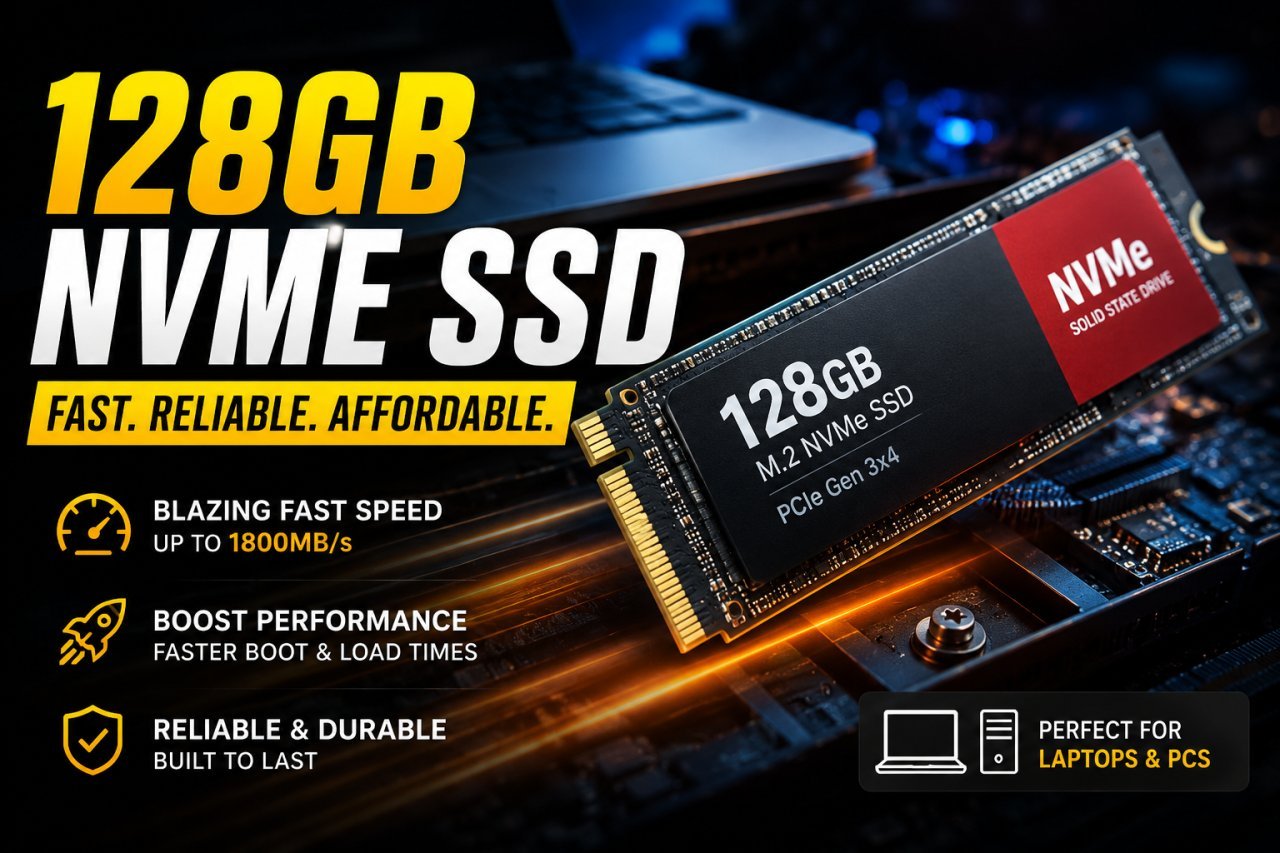
For example, Iron Hawk IT Solutions currently lists an EVM 128GB M.2 NVMe SSD (2280) using a PCIe Gen 3x4 interface with a listed read speed of up to 1800MB/s.
3. Good Option for Basic Computing
You don't always need a huge SSD for every computer.
A 128GB NVMe SSD can be suitable for systems primarily used for:
- Web browsing
- Microsoft Office
- Online classes
- Basic business applications
- Light productivity
- Operating-system installation
If you regularly store large videos, games, photos, or professional projects, however, a larger SSD such as 256GB, 512GB, or 1TB may be more appropriate.
128GB NVMe SSD vs SATA SSD
Both NVMe and SATA SSDs use flash memory, but they communicate with the computer differently.
| Feature | 128GB NVMe SSD | 128GB SATA SSD |
|---|---|---|
| Interface | PCIe | SATA |
| Common Form Factor | M.2 | 2.5-inch / M.2 |
| Latency | Lower | Higher |
| Potential Speed | Higher | Generally lower |
| Cabling | Usually none for M.2 | Usually requires SATA connection |
| Best For | Modern laptops & PCs | Compatible older systems |
NVMe SSDs connect through PCIe and are designed for higher-performance storage workloads, while SATA SSDs remain useful for systems that don't support NVMe.
Important: You should always check your laptop or motherboard before purchasing an NVMe SSD. Not every M.2 slot supports NVMe.
Is 128GB Enough for Windows?
For a basic computer, 128GB can work, but available space will be lower than the advertised capacity after formatting and installing the operating system and applications.
If you plan to use the computer mainly for browsing, documents, office applications, and basic software, 128GB may be sufficient.
However, if you regularly download large files, install numerous applications, or store media locally, choosing a 256GB or 512GB SSD can provide more comfortable long-term storage.
Iron Hawk IT Solutions also lists 256GB, 512GB and 1TB NVMe SSD options, giving customers more capacity choices depending on their requirements.
How Fast Is a 128GB NVMe SSD?
The exact speed depends on the SSD model, PCIe generation, controller, NAND type, and the computer it is installed in.
For example, the EVM 128GB M.2 NVMe SSD listed by Iron Hawk IT Solutions specifies a PCIe Gen 3x4 interface and up to 1800MB/s read speed.
Actual performance can vary depending on the system, workload, thermals, firmware, and other hardware.
Therefore, don't choose an SSD based only on the advertised sequential read speed. Compatibility and your actual workload are equally important.
Who Should Buy a 128GB NVMe SSD?
A 128GB NVMe SSD can be a good choice for:
Students
Students who primarily use a laptop for browsing, documents, online classes, presentations, and basic applications may find 128GB sufficient.
Office Users
For computers used for documents, spreadsheets, email, web applications, and other everyday tasks, a 128GB NVMe SSD can provide a responsive storage solution.
Older PC Upgrades
If your computer supports an NVMe M.2 drive, replacing a slower storage device with an NVMe SSD can be an effective performance upgrade.
Budget Builds
A 128GB NVMe SSD can also be useful when building a budget PC where the goal is to keep the initial storage cost low while maintaining fast system responsiveness.
What to Check Before Buying a 128GB NVMe SSD
Before purchasing, don't simply search for “128GB NVMe SSD price” and choose the cheapest option.
Check these specifications first:
1. NVMe Compatibility
Make sure your laptop or motherboard supports NVMe drives.
2. M.2 Slot
Check whether your system has a compatible M.2 slot.
3. Form Factor
M.2 drives come in different physical sizes. An M.2 2280 drive is common, but you should verify your device's requirements.
4. PCIe Generation
Check which PCIe generation your system supports. The SSD and motherboard can have different maximum capabilities.
5. Warranty
Look for a product with a clear warranty. For example, the EVM 128GB M.2 NVMe SSD listed on Iron Hawk's website specifies a 5-year warranty.
128GB NVMe SSD for Laptop and Desktop
One of the advantages of NVMe storage is its availability across both laptop and desktop platforms.
For laptops, an M.2 NVMe SSD can provide fast storage in a compact form factor.
For desktops, an NVMe SSD can be installed directly into a compatible motherboard M.2 slot or, depending on the system, through an appropriate adapter.
The key requirement is compatibility. Always check the motherboard or laptop specifications before ordering.
128GB NVMe SSD Price: What Affects the Cost?
The price of a 128GB NVMe SSD can vary depending on the manufacturer, NAND technology, controller, warranty, performance rating, and market conditions.
Rather than focusing only on price, compare:
- Read and write speeds
- PCIe generation
- Warranty
- Brand
- Compatibility
- Form factor
- Customer support
For current availability and pricing, you can check the SSD selection at Iron Hawk IT Solutions, where NVMe and SATA storage products are listed across different capacities.
Shop SSDs at Iron Hawk IT Solutions
Why Buy SSDs From Iron Hawk IT Solutions?
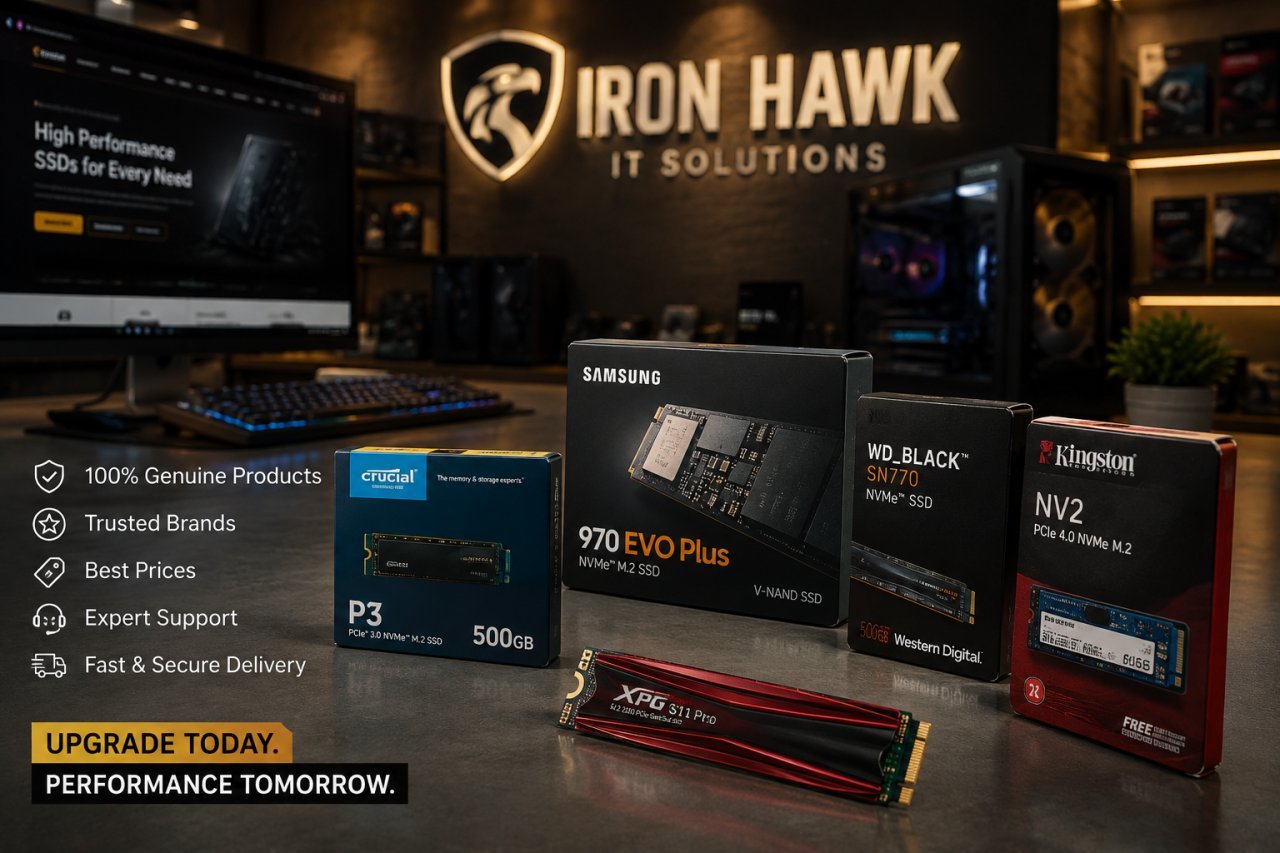
Iron Hawk IT Solutions offers storage products for different laptop and desktop requirements, including NVMe and SATA SSDs.
The website currently lists products from brands including EVM, Samsung, Kingston, Crucial, Seagate, WD, XPG Adata, Fusionit and PowerX, with different storage capacities and interfaces.
Whether you're upgrading an existing computer or building a system, you can compare available storage options based on capacity, interface, performance, and budget.
Final Thoughts
A 128GB NVMe SSD can be an affordable way to improve storage performance on a compatible laptop or desktop PC. Its PCIe-based NVMe interface offers the potential for faster data transfer and lower latency compared with older storage interfaces.
For basic computing, operating-system installation, office work, and everyday applications, 128GB can be a practical starting point. However, users who work with large files, games, videos, or extensive software libraries should consider moving up to 256GB, 512GB, or 1TB.
Before purchasing, always verify NVMe compatibility, M.2 slot support, form factor, PCIe generation, warranty, and available capacity.
If you're looking for a 128GB NVMe SSD, visit IronHawk IT Solutions to explore available SSD options and choose storage that matches your system and budget.