


512GB NVMe SSD
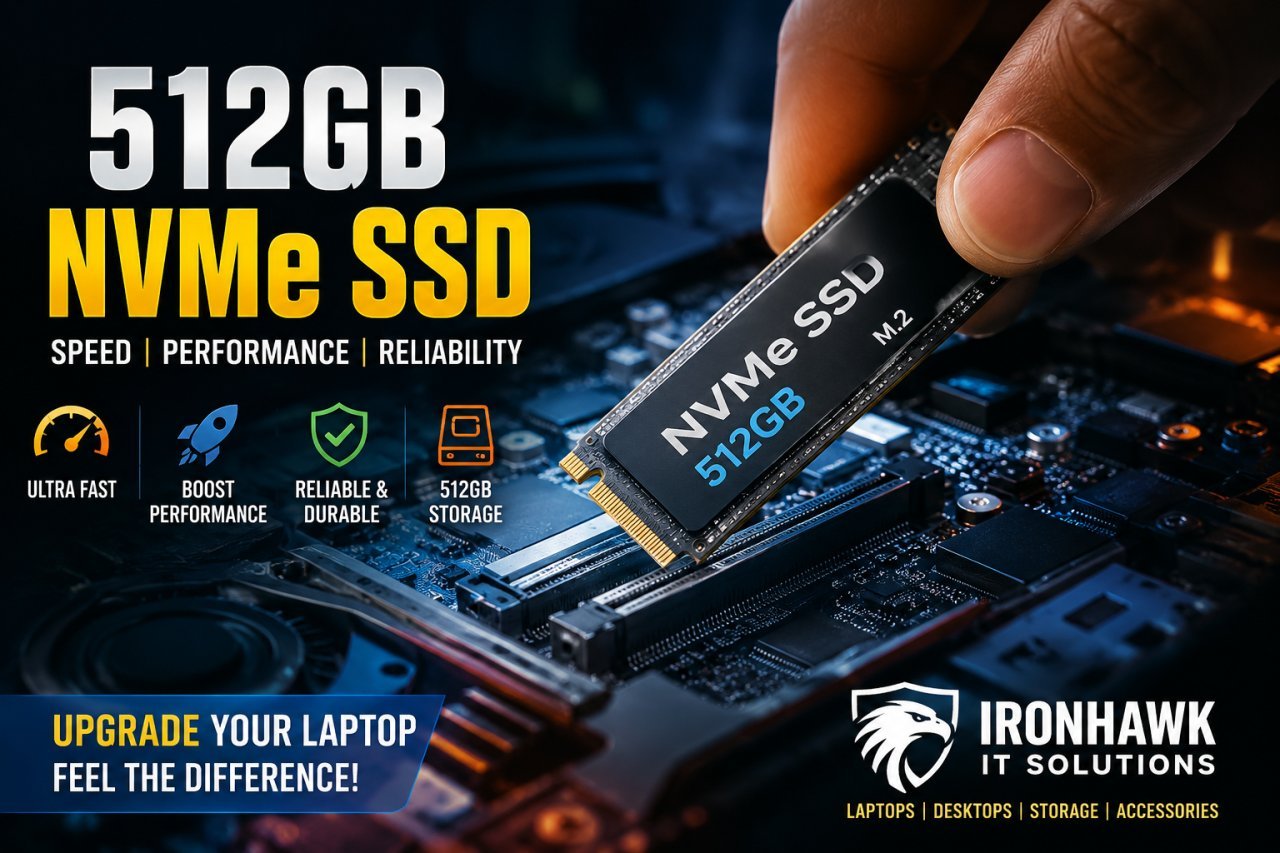
512GB NVMe SSD: Is It the Right Storage Upgrade for Your Laptop?
If your laptop takes a long time to start, applications open slowly, or your existing storage is almost full, upgrading to an SSD can make a noticeable difference. Among the different SSD options available today, a 512GB NVMe SSD is a popular choice because it offers a practical combination of speed, capacity and everyday usability.
A 512GB SSD provides considerably more usable space than a 256GB drive, making it suitable for students, professionals, business users and general laptop users. NVMe technology can also provide significantly higher data-transfer performance than traditional SATA storage, depending on the SSD generation and the device it is installed in.
If you are planning to upgrade your laptop or desktop, IronHawk IT Solutions offers computers, laptops, storage products and refurbished laptops through its online store.
What Is a 512GB NVMe SSD?
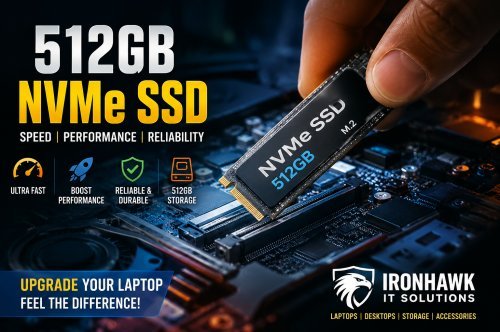
A 512GB NVMe SSD is a solid-state storage device with approximately 512GB of advertised storage capacity that uses the NVMe (Non-Volatile Memory Express) protocol.
Unlike traditional hard disk drives, SSDs have no spinning mechanical components. NVMe SSDs communicate through PCIe, allowing compatible computers to take advantage of high-speed storage performance.
It is important to understand that M.2 and NVMe are not exactly the same thing. M.2 describes a physical form factor, while NVMe describes the storage communication protocol. Therefore, an M.2 drive is not automatically an NVMe SSD.
Why Choose a 512GB NVMe SSD?
For many users, 512GB is a useful middle ground between affordability and storage capacity.
A 256GB SSD can become restrictive when you install Windows, applications, documents and other files. Moving to 512GB gives you substantially more working space without immediately jumping to a 1TB drive.
A 512GB SSD can be suitable for:
- Students
- Office professionals
- Business users
- Programmers
- Content creators with moderate storage requirements
- Everyday laptop users
- Users upgrading from HDD storage
- Users whose 256GB SSD is almost full
For typical office work, browsing, applications and general productivity, 512GB is widely considered a practical storage capacity.
Benefits of a 512GB NVMe SSD
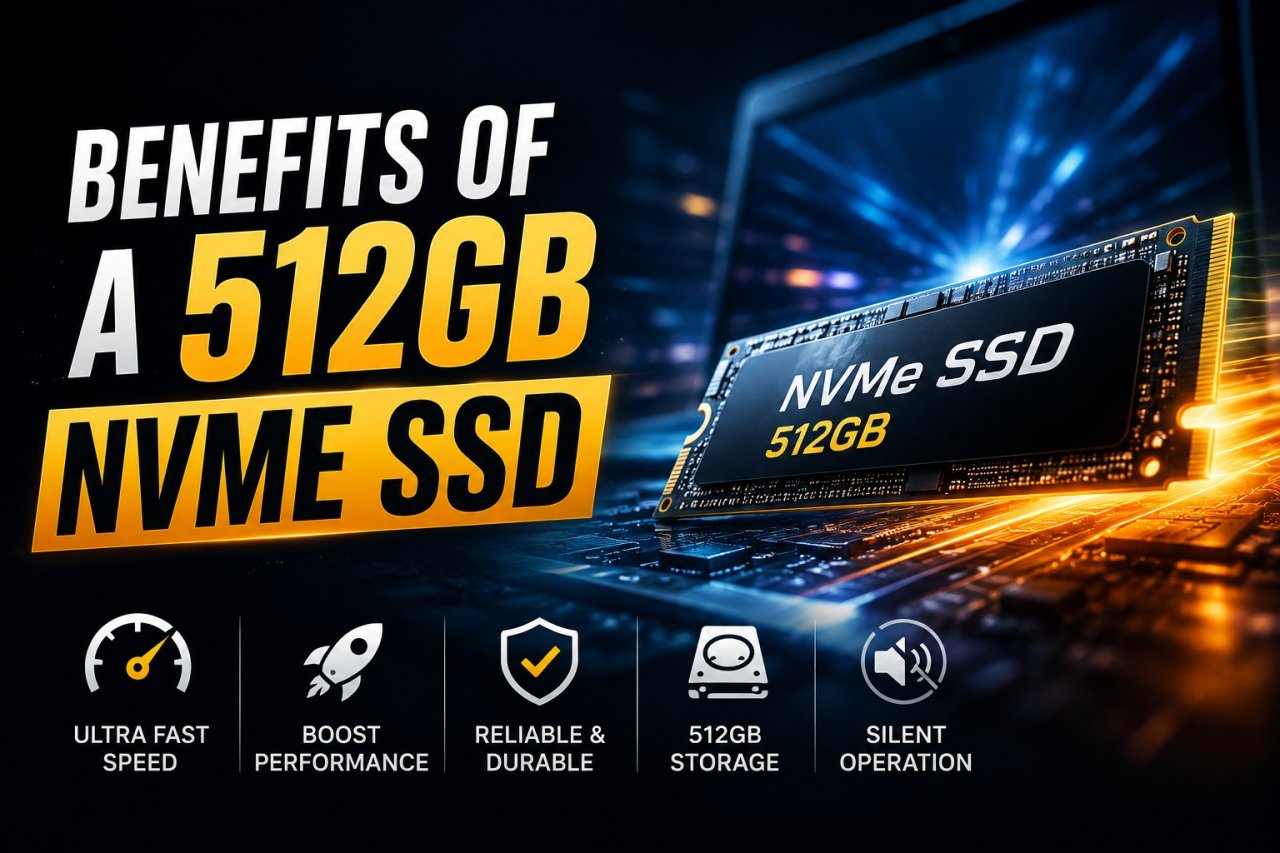
1. Faster Laptop Performance
One of the biggest reasons people upgrade from an HDD to an SSD is responsiveness.
An SSD can make everyday activities such as starting Windows, launching applications and accessing files feel much faster than a traditional mechanical hard drive. NVMe SSDs can provide even higher transfer performance on compatible systems.
2. More Storage Space
512GB gives you more room for your operating system, applications, documents, photographs and other files.
It can be a particularly useful upgrade for laptops that currently have a smaller 128GB or 256GB drive.
3. Faster Application Loading
Programs installed on an SSD can load quickly because the storage device can access data much faster than a conventional HDD.
For users who regularly work with multiple applications, this can make the computer feel more responsive.
4. No Moving Mechanical Parts
Traditional HDDs use spinning platters and moving components. SSDs use flash memory instead.
This makes SSDs a popular choice for modern laptops and compact computers.
5. Compact Design
Many NVMe SSDs use the compact M.2 form factor, allowing manufacturers to save internal space compared with traditional 2.5-inch storage drives.
512GB NVMe SSD vs 512GB SATA SSD
Both options can improve a computer compared with an HDD, but their interfaces and performance capabilities differ.
| Feature | 512GB SATA SSD | 512GB NVMe SSD |
|---|---|---|
| Interface | SATA | PCIe |
| Form factors | Commonly 2.5-inch | Commonly M.2 |
| Performance | Fast | Generally faster |
| Best suited for | Older compatible systems | Compatible modern laptops/PCs |
| Upgrade potential | Good | Excellent on compatible systems |
However, compatibility should always be checked before purchasing. A laptop having an M.2 slot does not necessarily mean every NVMe SSD will work with it.
Is 512GB Enough for a Laptop?
For many users, yes.
A 512GB SSD can be a good choice if you mainly use your laptop for:
- Microsoft Office
- Web browsing
- Online classes
- Programming
- Business applications
- Documents and presentations
- Light photo editing
- Streaming
- Everyday computing
If you regularly store large video projects, extensive photo libraries or many modern games, you may want to consider a 1TB or larger SSD. Storage requirements vary significantly depending on the workload.
Who Should Buy a 512GB NVMe SSD?
Students
Students can use a 512GB SSD for assignments, presentations, software, online classes and personal files.
Office Users
For professionals using Microsoft Office, browsers, accounting software, business applications and documents, 512GB can provide a comfortable amount of storage.
Programmers
Developers may benefit from 512GB or more because IDEs, development tools, project files and virtual environments can consume considerable storage.
Laptop Upgraders
If your laptop still uses an HDD or has a nearly full 256GB SSD, a 512GB NVMe SSD can be a practical upgrade—provided your laptop supports NVMe.
How to Check NVMe SSD Compatibility
Before buying a 512GB NVMe SSD, don't simply assume that it will work with your laptop.
Check:
- Laptop or motherboard model
- Whether it supports an M.2 slot
- Whether that slot supports NVMe/PCIe
- Supported PCIe generation
- Physical SSD size, such as M.2 2280
- Whether the laptop has a replaceable SSD
- BIOS/firmware compatibility where applicable
If you are unsure, checking the manufacturer's specifications or consulting a professional before purchasing can help prevent buying an incompatible drive.
Can You Upgrade an Old Laptop With an NVMe SSD?
It depends on the laptop.
Some older laptops only support 2.5-inch SATA drives, while newer systems may include M.2 NVMe slots. If the laptop does not support NVMe, installing an NVMe drive may not be possible without compatible hardware.
If your existing laptop uses an HDD, however, an SSD upgrade can be one of the most noticeable upgrades available.
512GB NVMe SSD for Refurbished Laptops
A fast SSD can also be an important part of a refurbished laptop configuration.
At IronHawk IT Solutions, customers can explore laptops, refurbished laptops and computer hardware through the online store. The website currently features products with configurations such as 16GB RAM + 512GB SSD, demonstrating how 512GB SSD storage is used across laptop configurations.
For someone looking for a budget-friendly computer, a refurbished laptop with an SSD can be worth considering instead of buying a completely new machine.
Why Buy SSDs and Laptops From IronHawk IT Solutions?
IronHawk IT Solutions is an online computer store offering a range of technology products, including:
- Laptops
- Refurbished laptops
- Desktop computers
- SSDs and storage
- RAM
- Motherboards
- Graphics cards
- Computer peripherals
- Apple products
The website also features brands such as Dell, HP, Lenovo, Acer, ASUS and others.
If you're planning an SSD upgrade or looking for a laptop with 512GB SSD storage, you can browse the available products on the IronHawk IT Solutions website.
Final Thoughts
A 512GB NVMe SSD can be an excellent storage option for users who want a combination of speed and practical capacity. It can provide a major improvement over traditional HDD storage and offers enough space for many students, professionals and everyday computer users.
Before purchasing, always verify NVMe compatibility, M.2 form factor and PCIe support for your particular laptop or desktop.
If you're looking for a 512GB SSD, laptop or refurbished laptop, visit IronHawk IT Solutions and explore the available products.