Second Hand Laptops in Hyderabad
Second Hand Laptops in Hyderabad: A Complete Guide to Buying the Right Laptop
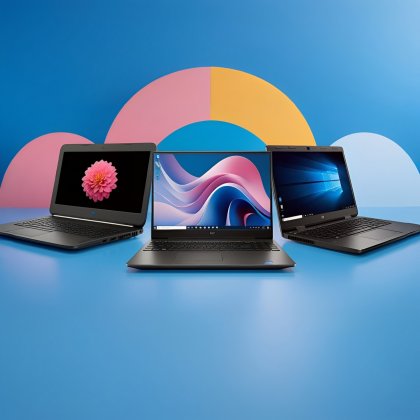
If you're looking for a laptop in Hyderabad, you don't always need to spend a large amount on a brand-new device. Second-hand laptops in Hyderabad can be a practical choice for students, professionals, freelancers, startups, and small businesses that want good computing performance within a reasonable budget.
But buying a used laptop is not simply about finding the lowest price. The processor generation, RAM, SSD, battery condition, display, physical condition, warranty, and seller support all matter.
That is where choosing the right seller can make a difference.
If you're planning to buy a second-hand or refurbished laptop, Iron Hawk IT Solutions offers laptops through its online store, with options across different brands, specifications, and budgets. You can explore the available products directly at IronHawk IT Solutions I. The website currently includes categories for laptops, desktops, peripherals, tablets, and refurbished laptops.
Why Are Second-Hand Laptops Popular in Hyderabad?
Hyderabad is a major technology, education, and business hub. Students, IT employees, freelancers, entrepreneurs, and businesses often need laptops for work and study.
However, not everyone needs the newest model.
For tasks such as:
- Browsing the internet
- Microsoft Office
- Online classes
- Coding and programming
- Accounting
- Digital marketing
- Work from home
- Business applications
- Content creation
- General office work
a good-quality used or refurbished laptop can often be enough.
The main advantage is simple: you can potentially get better specifications for your budget compared with buying a new entry-level laptop.
For example, a refurbished business laptop with an Intel Core i5 or i7 processor, 8GB or 16GB RAM, and an SSD may be an attractive option for someone who wants reliable everyday performance without paying the original retail price.
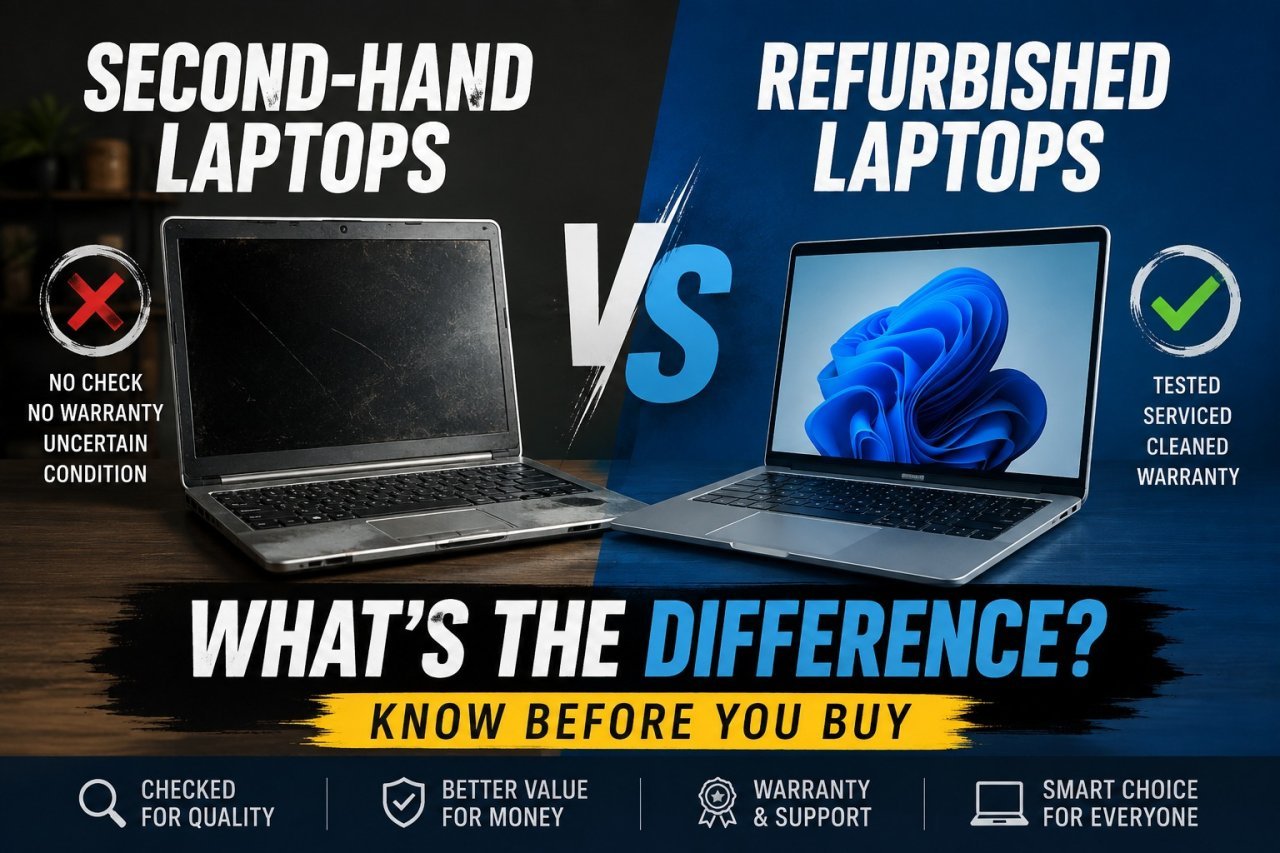
: What's the Difference?
People often use "second-hand" and "refurbished" interchangeably, but they don't necessarily mean the same thing.
A second-hand laptop is generally a device that has already been owned or used and is being sold to another customer.
A refurbished laptop typically goes through some level of inspection, testing, cleaning, servicing, or component replacement before being sold again. The exact refurbishment process can vary from seller to seller, so it is always sensible to ask what has been checked and what warranty or support is included.
For buyers, the important thing isn't just the label. What matters is the actual condition and specifications of the laptop.
What Should You Check Before Buying a Second-Hand Laptop?
Buying a used laptop should be treated like buying any other electronic device: look beyond its appearance.
1. Check the Processor and Generation
The processor is one of the most important components of a laptop.
Don't look only at whether the laptop says Core i5 or Core i7. The processor generation also matters.
For example, an older Core i7 isn't automatically better than a newer Core i5. Check the exact model and generation before making a decision.
Your choice should also depend on what you intend to do with the laptop.
For basic office work and browsing, you may not need a high-end processor. For programming, multitasking, editing, or demanding professional applications, a more capable processor may be worthwhile.
2. Look for Enough RAM
RAM affects how comfortably your laptop handles multiple applications.
For everyday work, 8GB RAM can be a practical starting point. If you regularly use many browser tabs, development tools, editing software, or other demanding applications, 16GB RAM can provide more headroom.
Iron Hawk IT Solutions currently lists refurbished models with configurations such as 8GB, 16GB, and even 32GB RAM, depending on the model.
3. Prefer SSD Storage
Storage is another important consideration.
A laptop with an SSD can feel significantly more responsive than an older system using a traditional mechanical hard drive. Windows can boot faster, applications can open more quickly, and everyday tasks can feel smoother.
Common configurations include 256GB and 512GB SSDs.
If you are choosing between two otherwise similar laptops, an SSD-equipped model can be worth considering.
4. Check Battery Health
Battery condition is especially important if you plan to carry the laptop to college, work, meetings, or while travelling.
Ask about the battery condition and, if possible, test how long the laptop operates without being connected to the charger.
Remember that a used laptop's battery may naturally have some wear depending on its age and previous usage.
5. Inspect the Display
Before purchasing, check the screen carefully.
Look for:
- Dead pixels
- Flickering
- Lines on the display
- Uneven brightness
- Cracks
- Scratches
- Hinge problems
A laptop with excellent specifications is of limited value if the screen is uncomfortable or unreliable to use.
6. Test the Keyboard, Touchpad and Ports
Try the keyboard and touchpad before purchasing.
Also check:
- USB ports
- HDMI/display output
- Charging port
- Audio jack
- Webcam
- Speakers
- Wi-Fi
- Bluetooth
These components can be easy to overlook, but they are important for everyday use.
Which Brands Can You Consider?
The best brand depends on your requirements and budget.
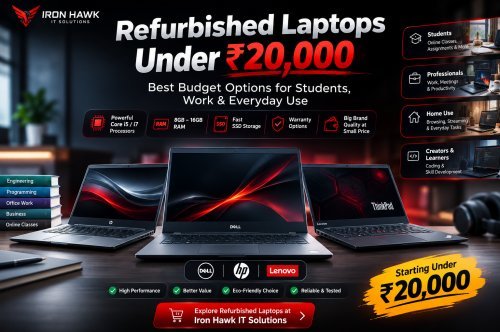
Business-focused laptop ranges from Dell, HP, and Lenovo are popular choices in the refurbished market because many models are designed for professional use.
Iron Hawk IT Solutions currently lists refurbished models from brands including Dell, HP, and Lenovo, with examples such as Dell Latitude, HP EliteBook, HP ProBook, Lenovo ThinkPad, and other models.
The website also has a broader laptop category featuring brands such as Acer, ASUS, Dell, HP, Lenovo, MSI, Samsung, and others.
However, don't choose a laptop simply because of its brand. The exact model, processor, generation, RAM, storage, condition, and price are more important.
Who Should Buy a Second-Hand Laptop?
A second-hand or refurbished laptop can be useful for different types of users.
Students
Students can use affordable laptops for assignments, online learning, research, presentations, programming, and browsing.
Working Professionals
Professionals who primarily use email, spreadsheets, documents, video meetings, and business software may find refurbished business laptops a practical option.
Freelancers
Writers, developers, digital marketers, designers, and other freelancers can choose a laptop based on the applications they use rather than paying for unnecessary features.
Small Businesses
Businesses purchasing multiple laptops can potentially reduce equipment costs by considering suitable refurbished systems.
Why Consider Iron Hawk IT Solutions?
When buying a second-hand laptop, the seller matters almost as much as the device.
Iron Hawk IT Solutions operates an online computer store at ironhawkitsolutions.com, offering laptops and a dedicated refurbished-laptop category. Its product listings include specifications such as processor, RAM, SSD capacity, display size, operating system, and, for some models, warranty information.
For example, its refurbished laptop listings currently include models such as Dell Latitude, HP EliteBook, HP ProBook, Lenovo ThinkPad, and Dell Precision systems with different processor, RAM, storage, and warranty configurations.
This makes it easier for buyers to compare laptops based on their actual requirements rather than choosing only by brand or appearance.
Iron Hawk IT Solutions also provides a contact page listing its Hyderabad, Telangana location, phone number, and email contact.
Website: https://ironhawkitsolutions.com/
Location: Hyderabad, Telangana, India
Phone: +91 7780179477
Email: ironhawkitsolutions@gmail.com
How to Choose the Right Laptop at Your Budget
Instead of asking, "Which laptop is the best?", ask:
"Which laptop is best for my work?"
If you need a laptop for basic office work, an affordable model with 8GB RAM and an SSD may be sufficient.
For programming and multitasking, consider a stronger processor and 16GB RAM if your budget allows.
For professional editing, engineering software, gaming, or other demanding workloads, you may need a dedicated GPU, stronger processor, and more RAM.
The right choice is the laptop that provides the performance you need without making you pay for specifications you will never use.
Tips for Buying Second-Hand Laptops in Hyderabad
Before placing your order, keep these points in mind:
Check the complete specifications: Don't rely only on the Core i5/i7 label.
Compare processor generations: Newer generations can offer different performance and efficiency.
Prefer SSD storage: It generally provides a faster everyday experience.
Check the warranty: If a warranty is offered, read the terms and duration carefully.
Check the condition: Look at the display, keyboard, hinges, ports, body, and battery.
Compare prices: Check similar models before deciding.
Think about future use: Don't buy a laptop that barely meets your current requirements if you expect your workload to increase.
Most importantly, buy from a seller that clearly displays product specifications and provides a way to contact them if you have questions.
Final Thoughts
Buying second-hand laptops in Hyderabad can be a smart way to get capable hardware without spending the same amount as you would on a brand-new premium laptop.
The key is to focus on more than price. Consider the processor generation, RAM, SSD, battery, display, physical condition, warranty, and seller support.
If you're searching for used or refurbished laptops in Hyderabad, take the time to compare your options and choose a laptop based on your actual needs.
For buyers who want to explore available laptop and refurbished laptop options online, Iron Hawk IT Solutions provides an online store where you can browse products and compare specifications.
???? Looking to buy a second-hand or refurbished laptop? Visit Iron Hawk IT Solutions – ironhawkitsolutions.com and explore the available laptops to find an option that fits your budget and requirements.