
Premium Refurbished Systems and Laptops
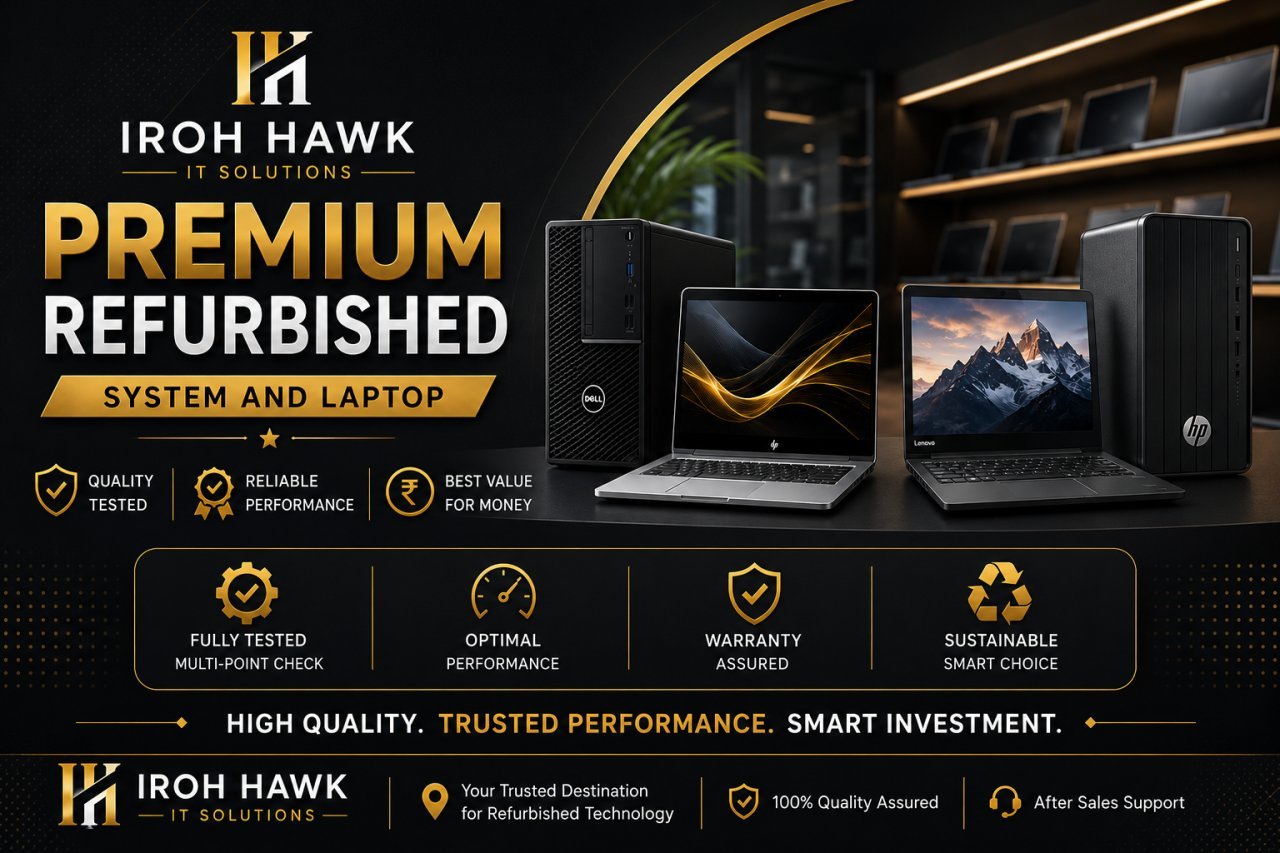
Iroh Hawk IT Solutions: A Smarter Way to Buy Refurbished Laptops, Business Computers and Pre-Owned IT Hardware
Buying a laptop today is no longer simply about choosing a processor, checking the RAM and comparing prices.
For students, professionals, businesses and home users, the real question is much more practical:
What device gives me the right combination of performance, reliability, condition and value without paying unnecessarily for a brand-new machine?
That is where the market for refurbished laptops, certified pre-owned devices, off-lease business systems and reconditioned IT hardware becomes interesting.
Iroh Hawk IT Solutions operates in this space with a simple idea: a previously owned computer does not automatically mean an inferior computer. A properly evaluated and professionally refurbished device can still be a highly capable machine for everyday computing, professional work, education, business operations and many demanding workloads.
The difference is not simply whether a laptop is “used.”
The difference is how the device was sourced, inspected, tested, graded, configured and supported before it reaches its next owner.
---
Understanding the Difference Between Used, Pre-Owned and Refurbished Laptops
The words used, second-hand, pre-owned and refurbished are often treated as if they mean exactly the same thing.
They do not necessarily describe the same level of preparation.
A used laptop may simply be a device that has been owned by somebody else and is being sold again.
A pre-owned laptop is a more professional way of describing a previously owned device, particularly when discussing business-class equipment.
A refurbished laptop, however, generally implies that the device has gone through some level of inspection, testing, cleaning, repair or reconditioning before being offered again.
The actual refurbishment process can vary from seller to seller, which is why buyers should always ask what has actually been checked rather than relying only on the word “refurbished.”
The broader refurbishment industry increasingly focuses on device inspection, data sanitization, component testing, grading and extending the useful life of IT hardware. Major technology manufacturers also use refurbishment and circularity programmes to extend device lifecycles.
That is an important shift in how people should think about pre-owned technology.
The goal is not simply to sell an old laptop.
The goal is to extend the useful life of technology.
---
Why Business-Class Refurbished Laptops Are Different
One of the most interesting areas of the pre-owned laptop market is enterprise-grade hardware.
Business laptops are generally designed around a different philosophy from many entry-level consumer machines. Depending on the model, they may feature stronger chassis construction, better keyboards, business-oriented security features, upgradeability and long-term serviceability.
This is why terms such as:
* Enterprise-grade laptops
* Business-class notebooks
* Corporate surplus IT equipment
* Off-lease business systems
* Ex-corporate laptops
* Certified pre-owned devices
* Commercial IT hardware
have become increasingly relevant in the refurbished technology market.
A business laptop that originally served an organisation for several years can still be perfectly capable for its next user.
For example, a professionally maintained business-class machine may be suitable for:
Office productivity → Remote work → Programming → Business applications → Education → Accounting → Browsing → Content work → Professional communication
The correct choice depends on the specifications, condition and intended workload.
---
What Does “Off-Lease” Mean?
This is one of those terms that many ordinary laptop buyers may not have encountered.
An off-lease laptop is generally a device that was previously leased or deployed by an organisation and has subsequently returned to the secondary market after the lease or deployment period ends.
These devices can enter refurbishment and resale channels.
For buyers, off-lease business systems can be interesting because they may provide access to higher-tier business hardware at a lower price than buying an equivalent new machine.
But again, the word off-lease itself is not a guarantee of condition.
The actual condition of each device should be evaluated individually.
That is why professional inspection and transparent grading matter.
---
The Importance of Device Grading
A professional refurbished-device operation should not treat every machine as identical.
Two laptops with the same processor and RAM may have completely different physical conditions.
This is where device grading becomes useful.
Depending on the seller’s grading system, devices may be categorized according to:
* Cosmetic condition
* Display condition
* Keyboard and touchpad condition
* Battery health
* Storage health
* Hardware functionality
* Physical wear
* Overall appearance
A good grading system gives customers a clearer understanding of what they are buying.
The purpose of grading is not to make a laptop sound better.
It is to make the condition easier to understand before purchase.
---
Performance Testing Matters More Than Cosmetic Appearance
A laptop can look excellent and still have underlying problems.
That is why a proper performance and functionality assessment is more valuable than simply cleaning the exterior.
Important areas to evaluate include:
Processor performance
The CPU should be checked against the customer’s actual requirements.
A student doing documentation and online classes does not necessarily need the same processor as a software developer, video editor or engineer.
RAM
Memory affects multitasking.
A system used for browsers, office applications, communication tools and professional software may require considerably more memory than a machine used only for basic browsing.
Storage
SSD-based systems generally provide a noticeably more responsive experience than older mechanical hard drives.
Storage capacity should also match the user’s workload.
Display
The screen should be checked for:
* Dead pixels
* Brightness consistency
* Lines or artifacts
* Flickering
* Physical damage
Keyboard and touchpad
Every major key, touchpad function and relevant shortcut should be tested.
Ports
USB ports, HDMI, audio ports, charging ports and other available interfaces should be inspected and tested.
Wireless connectivity
Wi-Fi and Bluetooth functionality should be checked where applicable.
Camera and microphone
These have become particularly important for remote work, interviews, online education and video meetings.
---
Battery Health: One of the Most Important Things Buyers Forget
A laptop can have an excellent processor and plenty of RAM, but poor battery health can significantly affect the user experience.
Battery condition naturally changes with age and usage.
Therefore, buyers should ask about:
Battery health, estimated runtime and whether the battery has been replaced.
A refurbished laptop does not automatically mean it has a new battery.
Transparency is much more valuable than vague promises.
---
Why Data Sanitization Matters
There is another side of refurbished technology that many consumers rarely think about.
A laptop that previously belonged to a company may contain business information, documents, credentials or other sensitive data.
Before a device is transferred to a new owner, responsible IT asset processes should include appropriate data sanitization.
This is one reason the professional IT industry uses terminology such as:
IT Asset Disposition (ITAD)
ITAD refers to the structured process of managing technology when an organization retires or replaces its IT equipment.
Depending on the organization and asset, this can involve:
Asset identification → Collection → Data sanitization → Evaluation → Refurbishment/reuse → Value recovery → Recycling
Major technology companies describe ITAD as a process that can combine secure data erasure, recovery, reuse and responsible recycling.
For a business customer, this is much more than a technical detail.
It is a data-security issue.
---
IT Asset Recovery and the Second Life of Technology
Technology does not necessarily become useless simply because its first owner has upgraded.
An organization may replace hundreds of laptops as it is refreshes its fleet.
Those machines may still have substantial usable life.
This creates an opportunity for IT asset recovery.
Instead of immediately treating every retired device as electronic waste, suitable devices can be:
* Reused
* Refurbished
* Redeployed
* Resold
* Used for parts
* Recycled when they are genuinely beyond economical recovery
This approach is closely connected to the idea of a circular IT economy.
The objective is straightforward:
Keep useful technology in productive use for longer.
---
What Is Circular IT?
The traditional technology model is relatively simple:
Manufacture → Purchase → Use → Replace → Dispose
Circular IT tries to create a longer lifecycle:
Manufacture → Use → Recover → Refurbish → Reuse → Recover again → Recycle
The concept is becoming increasingly important as businesses look for ways to extend hardware lifecycles, reduce unnecessary waste and make better use of existing IT assets. Lenovo and HP, for example, both position refurbishment, reuse and lifecycle extension as part of their broader circularity strategies.
For consumers, this can translate into something very practical:
Better access to capable technology without automatically buying new.
---
Refurbished Technology Can Be a Smart Financial Decision
The biggest reason people consider pre-owned laptops is obviously price.
But the smarter way to look at the decision is in terms of value, not simply the lowest price.
Imagine two laptops.
One is inexpensive but has:
* Older hardware
* Poor battery health
* Unknown history
* No meaningful testing
* Limited support
Another costs slightly more but provides:
* Better business-class hardware
* SSD storage
* Tested components
* Transparent condition
* Better configuration
* Warranty or support, where offered
The second machine may offer substantially better value despite having a higher purchase price.
That is why cost-effective computing is a better concept than simply “cheap laptops.”
---
Who Can Benefit From Refurbished Laptops?
Students
Students often need reliable devices for:
* Online classes
* Research
* Assignments
* Microsoft Office
* Programming
* Presentations
* Browsing
* Communication
A properly selected pre-owned business laptop can meet these requirements without the cost of buying a premium new model.
---
Working Professionals
For professionals, reliability and usability often matter more than having the latest generation of hardware.
A suitable refurbished laptop can support:
* Office applications
* Video meetings
* Documentation
* CRM software
* Business communication
* Web applications
* Remote work
---
Small Businesses
Small businesses are particularly sensitive to IT procurement costs.
Instead of spending the entire technology budget on new hardware, businesses can evaluate enterprise-grade refurbished devices for suitable roles.
This can allow the organisation to deploy more machines while maintaining control over its IT budget.
---
Startups
Startups need technology, but they also need to protect cash flow.
A carefully planned refurbished-device strategy can allow an early-stage company to equip employees without immediately making a large capital commitment to brand-new hardware.
---
Home Users
For everyday computing, a carefully selected pre-owned laptop may provide everything a user actually needs.
Sometimes the most expensive specification is simply unnecessary.
---
Why Buying the Right Laptop Matters More Than Buying the Newest Laptop
Technology marketing often encourages consumers to chase the newest processor, newest model and newest design.
But the newest machine is not always the most appropriate machine.
A buyer should first ask:
What am I actually going to do with this computer?
If the requirement is:
* Browsing
* Office work
* Online classes
* Accounting
* Business applications
* Programming
* Remote work
then the best device may be a professionally maintained business-class system rather than an entry-level new laptop.
The right machine is the one that meets the workload reliably.
---
Enterprise IT Hardware for Growing Businesses
Businesses have different requirements from individual consumers.
A company may need:
* Multiple identical configurations
* Bulk procurement
* Consistent hardware specifications
* Replacement units
* Business-class devices
* Asset tracking
* Warranty/support arrangements
* Device lifecycle planning
This is where commercial IT hardware and enterprise device procurement become relevant.
Instead of purchasing individual laptops one at a time, businesses can think about their hardware as an IT asset portfolio.
That changes the conversation from:
“Which laptop should I buy?”
to:
“How should I build and maintain my company’s computing infrastructure?”
That is a much more strategic approach.
---
IT Hardware Lifecycle Management
Every business device has a lifecycle.
A simplified lifecycle looks like this:
Procurement → Deployment → Maintenance → Upgrade → Retirement → Recovery → Reuse/Refurbishment → Recycling
Professional IT asset management focuses on controlling this lifecycle rather than treating hardware purchases and disposal as unrelated events.
This is why terms such as device lifecycle management, IT asset recovery, IT asset disposition, hardware recommerce and enterprise device resale are becoming increasingly useful in discussions around refurbished technology.
---
What Is Hardware Recommerce?
Recommerce simply refers to the resale of previously owned products.
In technology, it can include:
Laptops → Desktops → Workstations → Monitors → Networking equipment → Accessories
The important part is that the secondary market can keep functional technology in circulation instead of immediately removing it from productive use.
For businesses and consumers, recommerce can create value from equipment that is no longer needed by its original owner.
---
Why Transparency Should Matter to Every Laptop Buyer
A good laptop seller should be able to answer straightforward questions.
For example:
What is the exact model?
What processor does it have?
How much RAM is installed?
What type and capacity of storage does it have?
What is the battery condition?
What is the cosmetic grade?
Have the ports been tested?
Has the device been reset and data-sanitized?
What warranty or support is provided?
These questions are not excessive.
They are part of making an informed purchase.
---
Iroh Hawk IT Solutions: A Practical Approach to Pre-Owned Technology
At Iroh Hawk IT Solutions, the focus can be positioned around something more meaningful than simply selling second-hand laptops.
The objective is to help customers find technology that makes sense for their actual requirements and budget.
That means looking at the complete picture:
Performance + Condition + Configuration + Intended Use + Value
rather than simply focusing on the lowest price.
Whether the requirement is a laptop for college, a professional workstation for daily office work, a business-class notebook for a growing company or a replacement system for an existing setup, the right device should be selected according to its purpose.
---
Choosing a Refurbished Laptop: A Practical Buyer Checklist
Before purchasing a pre-owned laptop, consider the following:
1. Identify your workload
Do you need the laptop for:
* Basic computing?
* Office work?
* Programming?
* Graphic design?
* Business applications?
* Gaming?
* Engineering software?
* Video editing?
The workload determines the appropriate hardware.
2. Check the processor generation
Do not look only at the processor name.
The generation, architecture and actual performance matter.
3. Check RAM
Make sure the installed memory is appropriate for your workload and whether it can be upgraded later.
4. Prefer suitable SSD storage
For most modern workflows, SSD storage can make a substantial difference to system responsiveness.
5. Inspect the display
Check for dead pixels, lines, flickering and physical damage.
6. Test the keyboard
Every key should respond properly.
7. Test connectivity
Check Wi-Fi, Bluetooth, USB, HDMI and other relevant ports.
8. Check the battery
Ask about battery health and expected runtime.
9. Confirm the operating system
Make sure the software installation and licensing situation is clearly understood.
10. Ask about warranty/support
A clear warranty policy provides considerably more confidence than an informal verbal promise.
---
Refurbished Does Not Mean “Compromise”
One of the biggest misconceptions about refurbished technology is that buyers must accept poor performance simply because the device is pre-owned.
That is not necessarily true.
The secondary market includes everything from basic entry-level systems to high-end business laptops and professional workstations.
The key is device selection and quality control.
A properly selected refurbished machine can provide:
Strong performance → Lower acquisition cost → Extended device life → Practical reliability
The buyer simply needs to understand what they are purchasing.
---
Sustainable Computing: A Practical Choice, Not Just a Trend
Sustainability is often discussed at a very high level.
But sometimes it starts with something as simple as keeping a working laptop in use for another few years.
Extending hardware lifecycles can reduce the need to manufacture replacement devices as frequently.
That is one reason technology companies increasingly discuss refurbishment, reuse and circularity. Lenovo, HP and other major technology organisations explicitly connect device refurbishment and lifecycle extension with circular-economy objectives.
For a customer, the decision can therefore have two dimensions:
Financial value today.
and
Responsible use of technology over its lifecycle.
---
Beyond Laptops: A Broader IT Hardware Ecosystem
A professional IT hardware business does not have to stop at laptops.
The same lifecycle approach can apply to:
* Desktop computers
* Workstations
* Monitors
* Networking devices
* Storage devices
* Keyboards
* Mice
* Docking stations
* Chargers
* Other computer accessories
This creates a broader concept:
Commercial IT Equipment
Rather than thinking only in terms of individual products, businesses can think in terms of an entire computing environment.
---
The Future of Refurbished Technology
The market for refurbished technology is evolving.
The conversation is moving from:
“Is this a used laptop?”
toward:
“What is the condition, lifecycle, performance, security and value of this device?”
That is a much better question.
As businesses replace equipment more frequently and consumers become more conscious of technology costs, the secondary IT market can play an important role in extending the productive life of hardware.
For organisations, the opportunity is even broader.
Retired devices can potentially become:
Recovered value → Refurbished assets → Redeployed technology → Reduced procurement costs
rather than simply becoming obsolete equipment.
That is the underlying idea behind modern IT asset recovery, ITAD and circular IT practices.
---
Frequently Asked Questions
Is a refurbished laptop worth buying?
It can be, provided the device has been properly evaluated and the specifications, condition, warranty and support are clearly understood.
Is refurbished the same as second-hand?
Not necessarily. “Second-hand” simply indicates previous ownership, while “refurbished” generally implies some level of inspection, testing, repair or reconditioning.
Are business laptops good for students?
Yes. Many business-class laptops are well suited to education, programming, office applications, research and everyday productivity.
Are refurbished laptops good for office work?
A properly selected business-class refurbished laptop can be an excellent option for office productivity, depending on the required software and workload.
What should I check before buying a pre-owned laptop?
Check the exact model, processor, RAM, SSD, display, keyboard, battery, ports, connectivity, physical condition, operating system and warranty/support terms.
What does ITAD mean?
ITAD stands for IT Asset Disposition. It refers to the structured management of technology assets when organisations retire, recover, reuse, refurbish or recycle them.
What is an off-lease laptop?
It generally refers to a laptop that was previously deployed under a lease or business equipment arrangement and has subsequently returned to the secondary market.
Why are enterprise-grade refurbished laptops popular?
They can provide access to higher-tier business hardware at a lower acquisition cost than comparable new systems, depending on model and condition.
---
Final Thoughts
The smartest technology purchase is not always the newest technology.
It is the technology that performs the job you need, fits your budget, and provides a sensible balance between performance, reliability and long-term value.
That is where professionally selected refurbished laptops, certified pre-owned devices, enterprise-grade hardware and business-class notebooks can make a real difference.
For students, professionals, startups, small businesses and established organisations, the secondary IT market offers another way to think about technology procurement.
Instead of asking:
“Is this laptop new?”
ask:
“Has this laptop been properly evaluated, is it suitable for my workload, and does it offer the right value?”
That is the question that leads to better technology decisions.
Iroh Hawk IT Solutions
Refurbished Computing Solutions | Enterprise-Grade IT Hardware | Pre-Owned Technology | Business-Class Laptops | Sustainable Computing
For customers looking for practical computing solutions without unnecessarily stretching their technology budget, Iroh Hawk IT Solutions aims to make the selection process simpler, clearer and more useful.
Because a second life for technology does not have to mean a second-rate experience.